

Create custom reports with NotebookLM
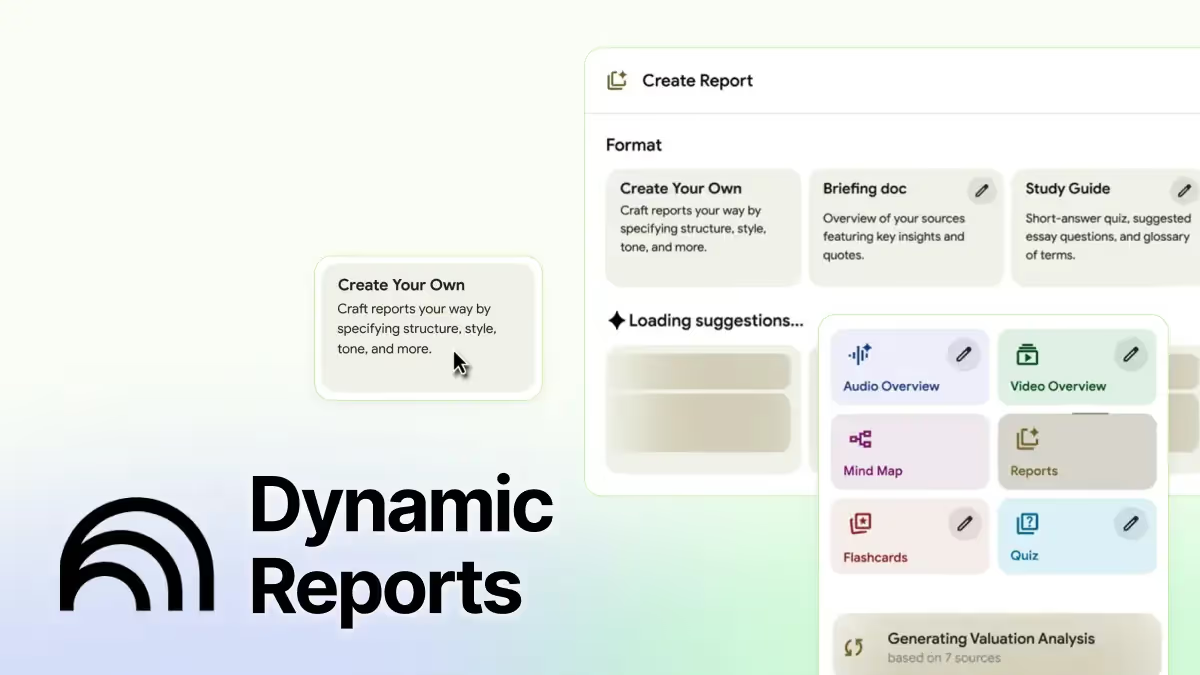
NotebookLM’s latest update goes beyond simple summaries: it now lets you create custom reports.
Previously, the tool was limited to automatically generating briefing documents or study guides.
With this release, you can choose from a wider range of formats, including blog posts, case studies, research papers, and even training manuals, or design your own.
The real shift is about control and relevance.
You can now set the objective, audience, and tone of your report, while NotebookLM dynamically suggests formats that fit your sources. That means you can get documents closer to what you actually need, whether it’s a strategic brief for leadership, a policy memo, or an explanatory article.
This week, we’ll show you how to use it to create a Strategic Report on AI’s impact on white-collar workers, one of the urgent issues on leadership agendas.
Let’s try it on a real use case: produce a decision-grade AI Workforce Report with NotebookLM
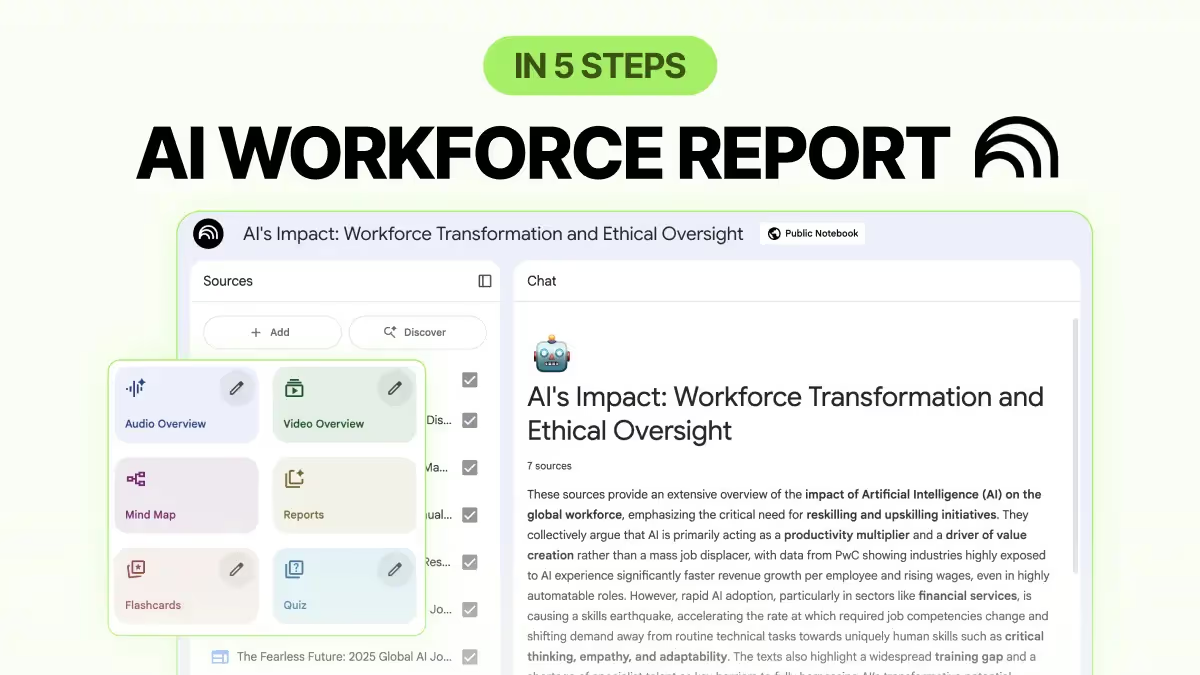
With this workflow, NotebookLM serves as a junior analyst who can source credible insights and create a strong formal report with a clear action plan.
Step 1: Upload and Discover credible sources
Start with trusted files, such as internal PDFs, board memos, and market scans. Then we'll use Discover to add 2023–2025 reports from credible outlets (McKinsey, WEF, OECD, PwC, IBM, HBR, journals).
"Find recent (2023–2025) research, consulting reports, and industry articles on AI’s impact on white-collar jobs. Prioritize insights on professional services, finance, and technology sectors. Look for evidence on job categories at risk, skills in rising demand, and corporate approaches to upskilling or workforce transition."
Target 8–12 sources, include 1–2 contrarian views, and quick-screen for date, author, and methods.
Step 2: Create a Strategic Brief for leadership
Click Create report → Create your own.
Paste a clear description:
"Generate a formal report with an action plan on AI’s impact on white-collar workers, emphasizing implications for talent strategy. Highlight three priority areas: job categories at risk, emerging high-value skills, and recommended upskilling/reskilling investments for companies in professional services, finance, and technology."
Step 3: Refine in Google Docs
When you're happy with the report NotebookLM generates, copy it to Docs to polish the language, add company data, and insert any charts you may need.
Step 4: Add an Action Layer
Leaders want owners, budgets, and timelines.
You can add a one-page Action Plan: 5 initiatives, accountable leads, budget range, and 30-60-90 milestones.
You can also include a Role-Impact matrix, Skill Map, and or a Budget/ROI review.
Step 5: Repurpose for other audiences
Reformat the same report into:
- Board one-pager with risks, opportunities, and KPIs.
- Function playbooks (Finance, IT, HR, Legal).
- Optional employee FAQ to address job security and reskilling.
PRO Members: watch the video tutorial here.
Not a member yet?
Join the Lead with AI PRO membership to access this tutorial and get the latest AI updates, guides, and tool walkthroughs.