This step-by-step guide is exclusively available for Lead with AI PRO membership. 🚀 With Lead with AI PRO, you’ll get: ✅ Access to expert-crafted step-by-step guides ✅ AI-powered workflows to boost productivity ✅ Exclusive tools and resources for smarter work Upgrade to Lead with AI PRO and access all premium content instantly.
Non-obvious ways to move faster with ChatGPT + Photos
Plus: ChatGPT's AI-native research workspace.
By
Evelyn Le
Editor, Lead with AI
Non-obvious ways of using ChatGPT + Photos to move faster
Presented by
AI’s immediate helpfulness comes when it can help you stop doing, especially explaining, structuring, and rewriting things you already see clearly in front of you.
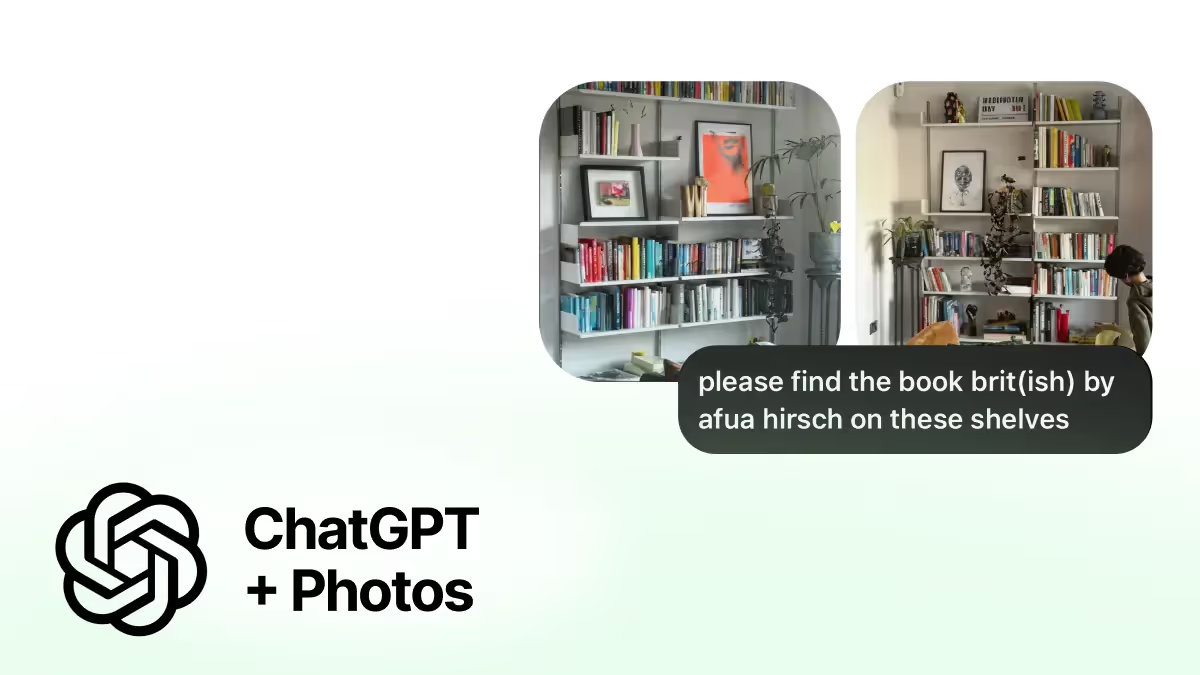
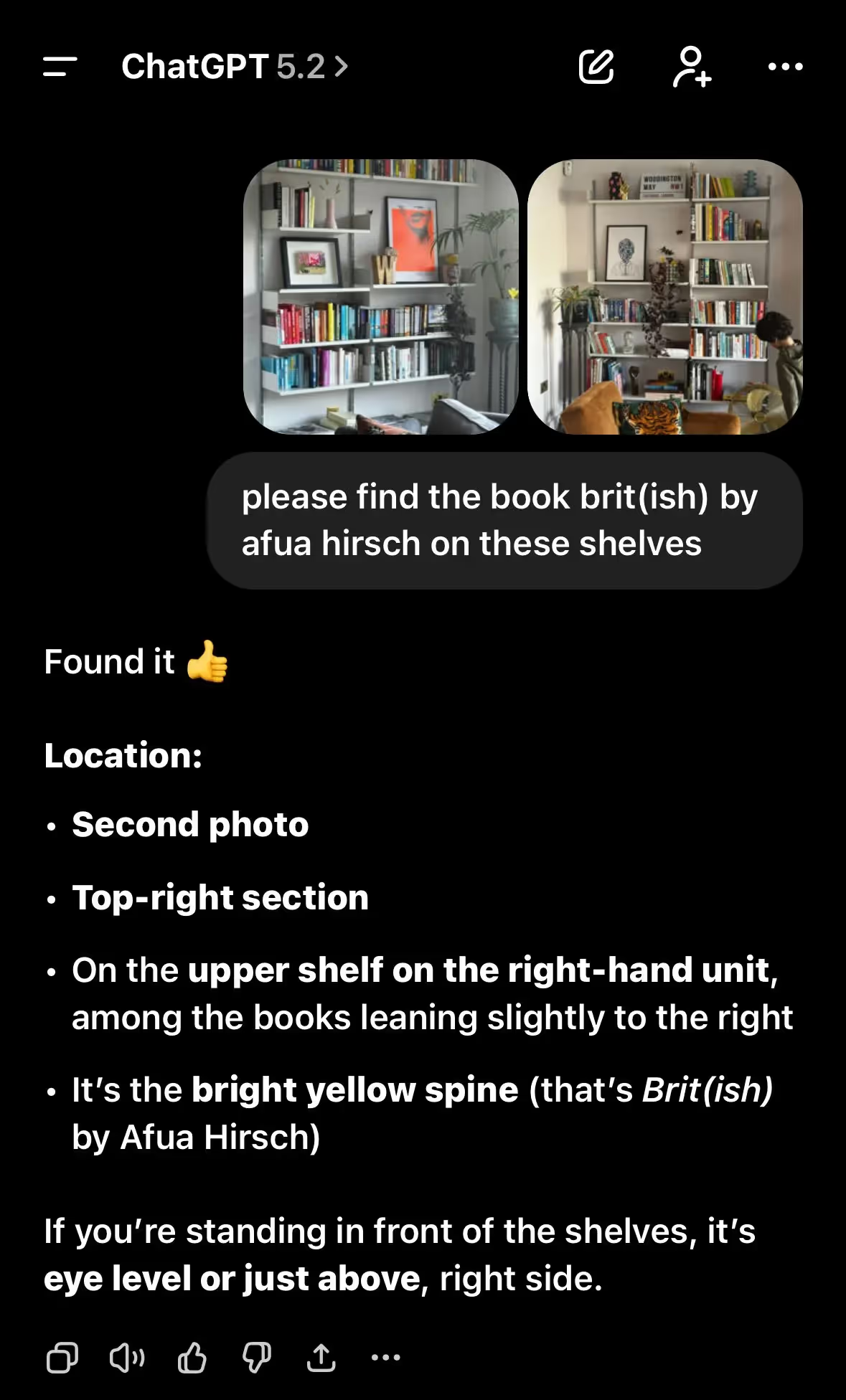
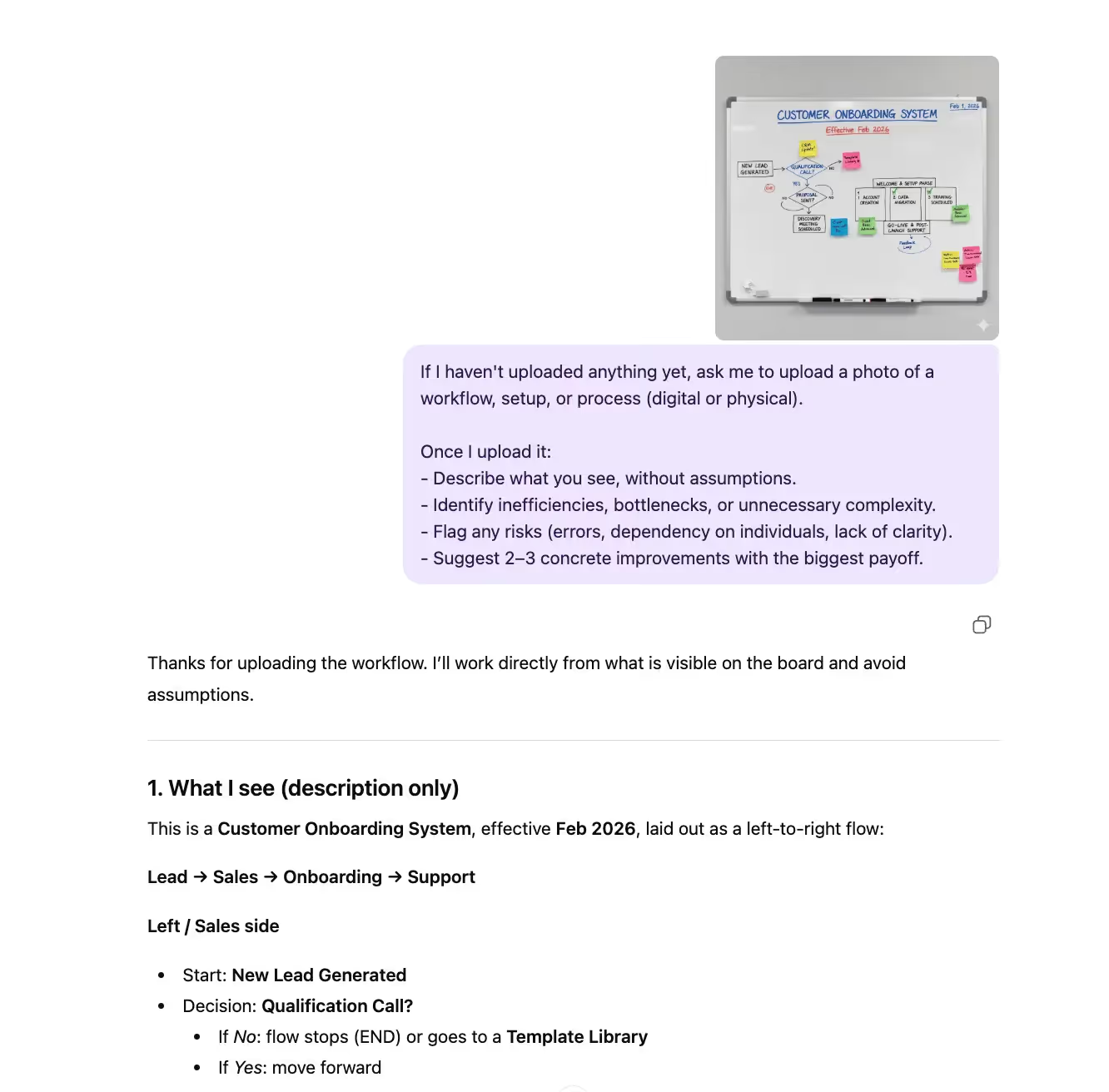
Leila Woodington, Head of B2B Marketing EMEA, OpenAI, shared a simple example: she was in a rush and needed to find a specific book. Rather than searching or reorganising, she uploaded a photo of her bookshelf and let ChatGPT perfectly locate it.
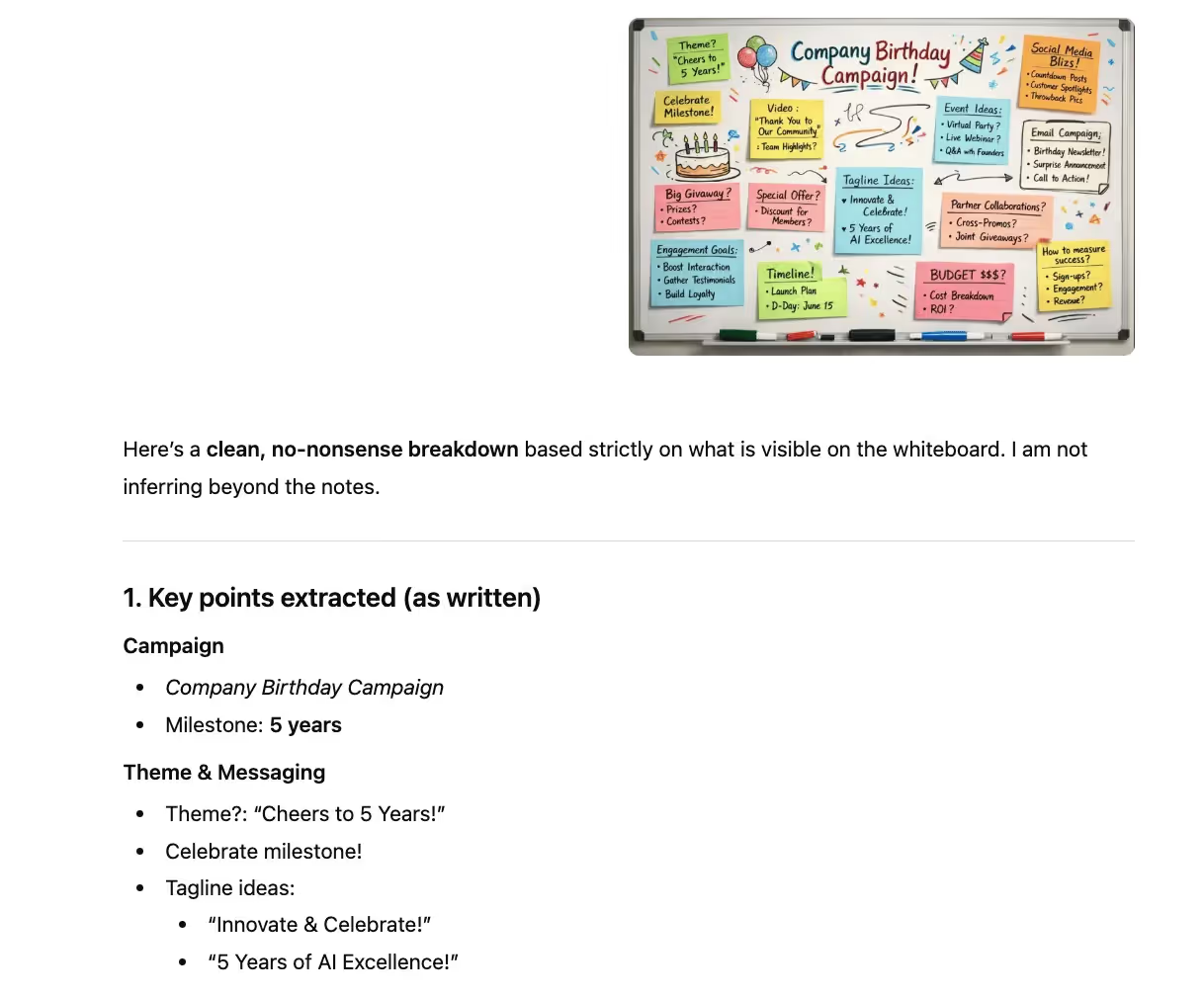
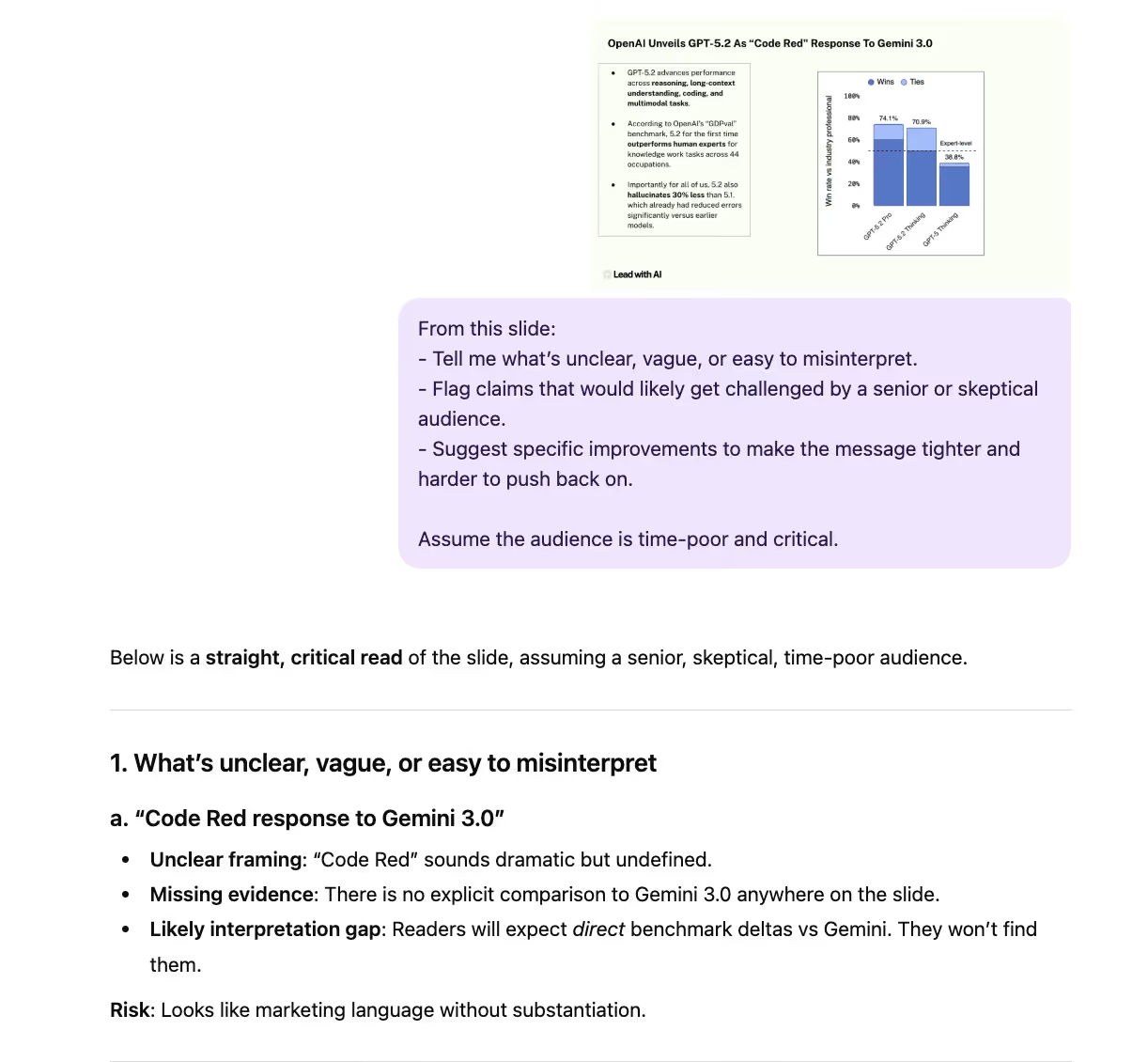
ChatGPT’s ability to understand photos and screenshots turns everyday situations into inputs.
Instead of spending time translating reality into neat text, you can show the problem as it is and move faster.
On March 6th (Friday), we are starting the next cohort of our flagship program: AI Leader Advanced: 6 AI Agents in Two Weeks for Non-Technical Leaders. Last cohort sold out two weeks before the start.
In just 2 weeks, you’ll design, build, and deploy at least six AI agents tailored to your role, workflows, and industry. Just 30 minutes a day focused on real output.
Join the waitlist here if you don't wanna miss the chance to build your AI assistants along with senior, non-technical leaders from companies like Microsoft, Google, McKinsey, Ericsson, Harvard, and more!
During the 12th Feb webinar we'll announce a special early bird offer which will be available only for 48 hours. Join us and take advantage of it!
Your AI Team: OpenAI's Prism, Claude's CoWork plugins, and more.
Every week, I report on the top updates to your favorite AI tools.
OpenAI introduces Prism for AI-native scientific work
OpenAI has introduced Prism, a new AI-native workspace designed for scientists and researchers to write, edit, and collaborate on research in one place. Prism integrates GPT-5.2 directly into the research workflow, aiming to reduce tool-switching between chat, writing tools, LaTeX editors, and reference managers.
Key updates:
An integrated research workspace: Prism is built as a dedicated environment for scientific writing and collaboration. AI support is embedded directly into documents and projects.
Designed for research workflows: Prism supports drafting papers, revising text, managing citations, and collaborating with others in a shared workspace, with AI assistance grounded in the project’s full context.
Free access with collaboration built in: Prism is available at no cost to users with a ChatGPT personal account, with support for unlimited projects and collaborators. OpenAI notes that broader access for business, education, and enterprise plans is planned.
Positioned around transparency and control: Prism emphasizes clearer separation between instructions, reasoning, and outputs.
Claude introduces CoWork plugins for team-based AI workflows
Anthropic has introduced open-source plugins for Claude CoWork, allowing organizations to tailor how Claude behaves across specific roles and workflows. The initial release includes 11 prebuilt plugins spanning functions like productivity, sales, marketing, data, and research, all designed to be customizable and extensible for internal systems.
CoWork and its plugin support are currently available as a research preview for paying Claude users.
Microsoft 365 Copilot adds GPT-5.2 with flexible response modes
Microsoft has rolled out GPT-5.2 in Microsoft 365 Copilot Chat, now available across Web, Windows, macOS, iOS, and Android. Users can switch between Quick Response for speed and Think Deeper for more detailed reasoning, using the same underlying model. GPT-5.2 improves instruction following, math and coding performance, and clarity for both simple and complex work tasks.
Google makes AI Overviews conversational with AI Mode
Google is upgrading Search to support more complex, multi-step questions by making Gemini 3 the default model for AI Overviews globally and enabling follow-up questions directly from an AI Overview. Users can now move seamlessly from a quick AI snapshot on the results page into a full conversational back-and-forth in AI Mode.
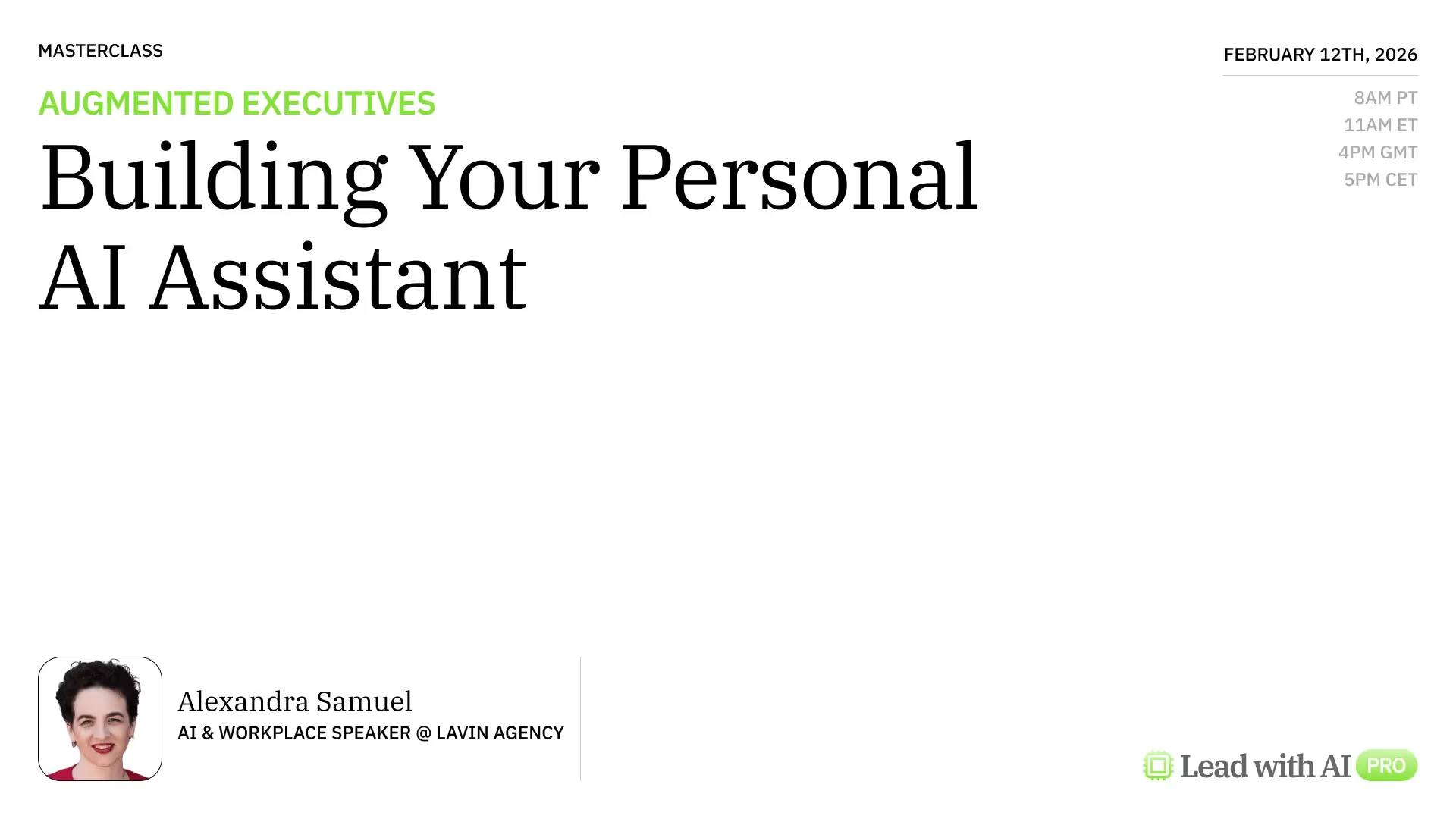
Drawing from her latest Harvard Business Review article on Building Your AI Assistants and her signature “Team of Rivals” framework, Alexandra Samuel shares how to build not just one assistant, but a personal team of AI collaborators that balance creativity, logic, and empathy while keeping you in control.
Together with Alexandra, we will:
Explore how to design AI assistants that support real work, not just better prompts
Understand the Team of Rivals framework and why multiple assistants matter
Engage in a live Q&A to apply the ideas to your own context
You’ll walk away with:
A clear mental model for working with AI assistants beyond prompts
Practical guidance for designing assistants that reflect how you work
A concrete understanding of the Team of Rivals approach and when to use it
Language and frameworks you can apply immediately, even if your tools change
The session takes place on 📍February 12th at 8 AM PT/11 AM ET/4 PM GMT/5 PM CET.
Members, the invite is on your calendar.
Not a member yet and want to join this exclusive Masterclass?
Or get a 14-day free trial of the world's leading executive AI community here.