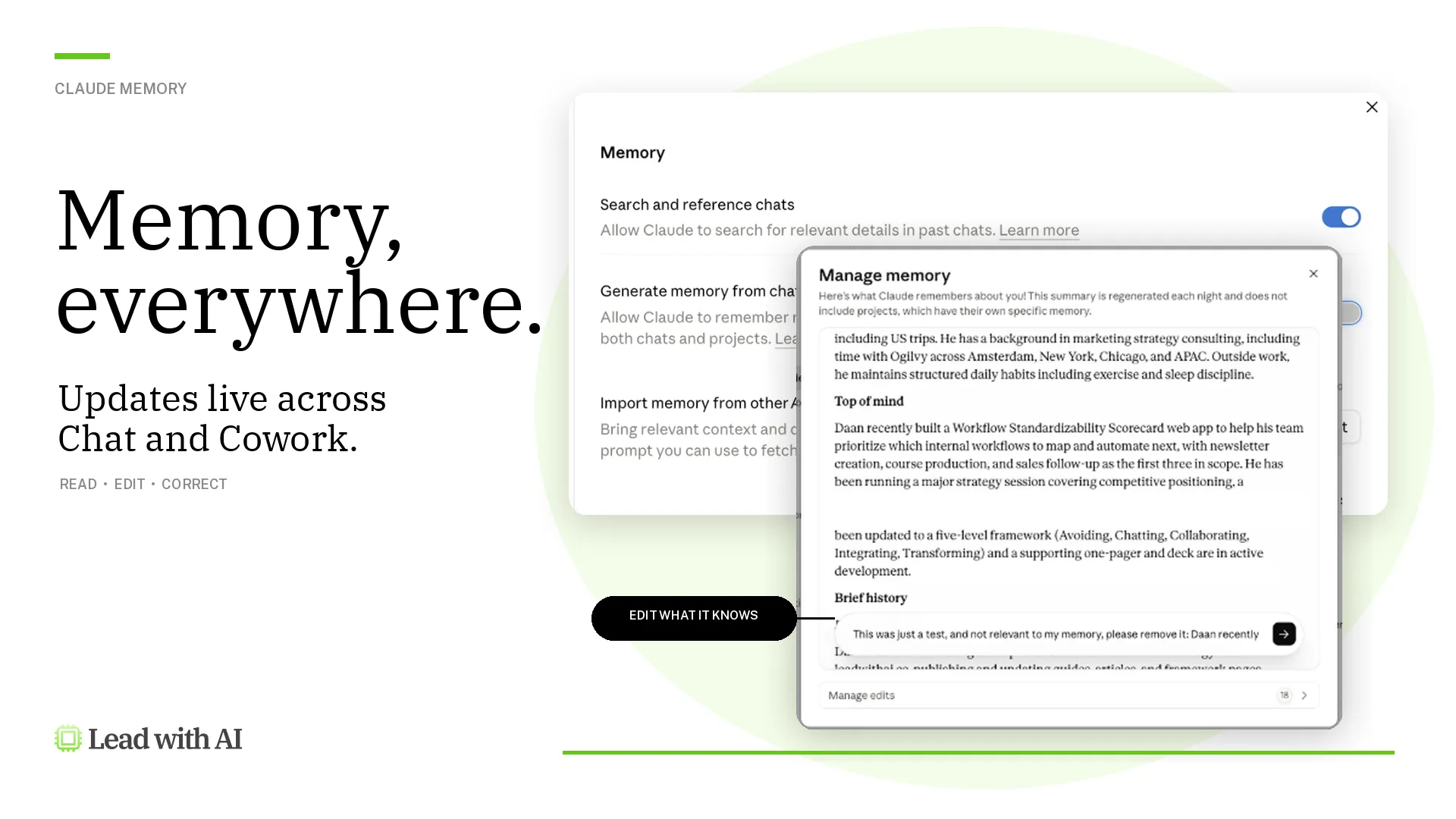


A few weeks ago, I wrote about how every business leader should start diving deeper into personalizing AI.
Tailoring AI to your role, workflows, and needs is going to be the next big step in its evolution. OpenAI founder Sam Altman said as much for the upcoming ChatGPT-6: “People want memory. People want product features that require us to be able to understand them.”
One of the ways to personalize AI more is via Custom GPTs, which I’ve been coaching executives on since November 2023, but is still new to about 80% of leaders taking our Executive Boot Camp.
Since then, a new ‘version’ of these tailored AIs has come around, called “Projects.”
Especially over the past week, I’ve been getting increasingly questions about what the actual differences are between Projects and GPTs, and when to choose which.
So for this edition of the Lead with AI newsletter, let’s settle the score once and for all.
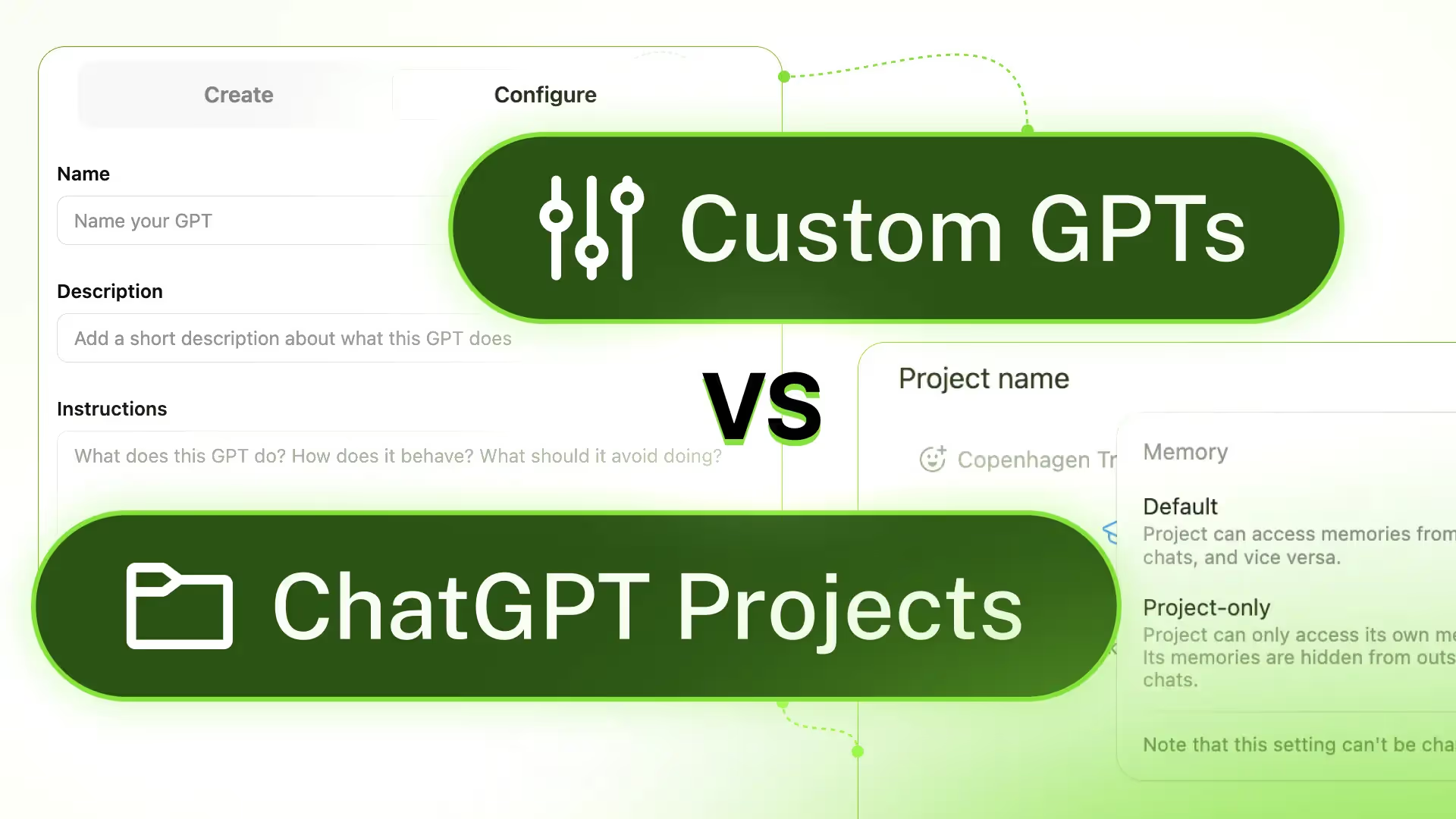
Custom GPTs vs. ChatGPT Projects: Same Same, But Different
Custom GPTs and ChatGPT Projects are two powerful but distinct features of the ChatGPT ecosystem.
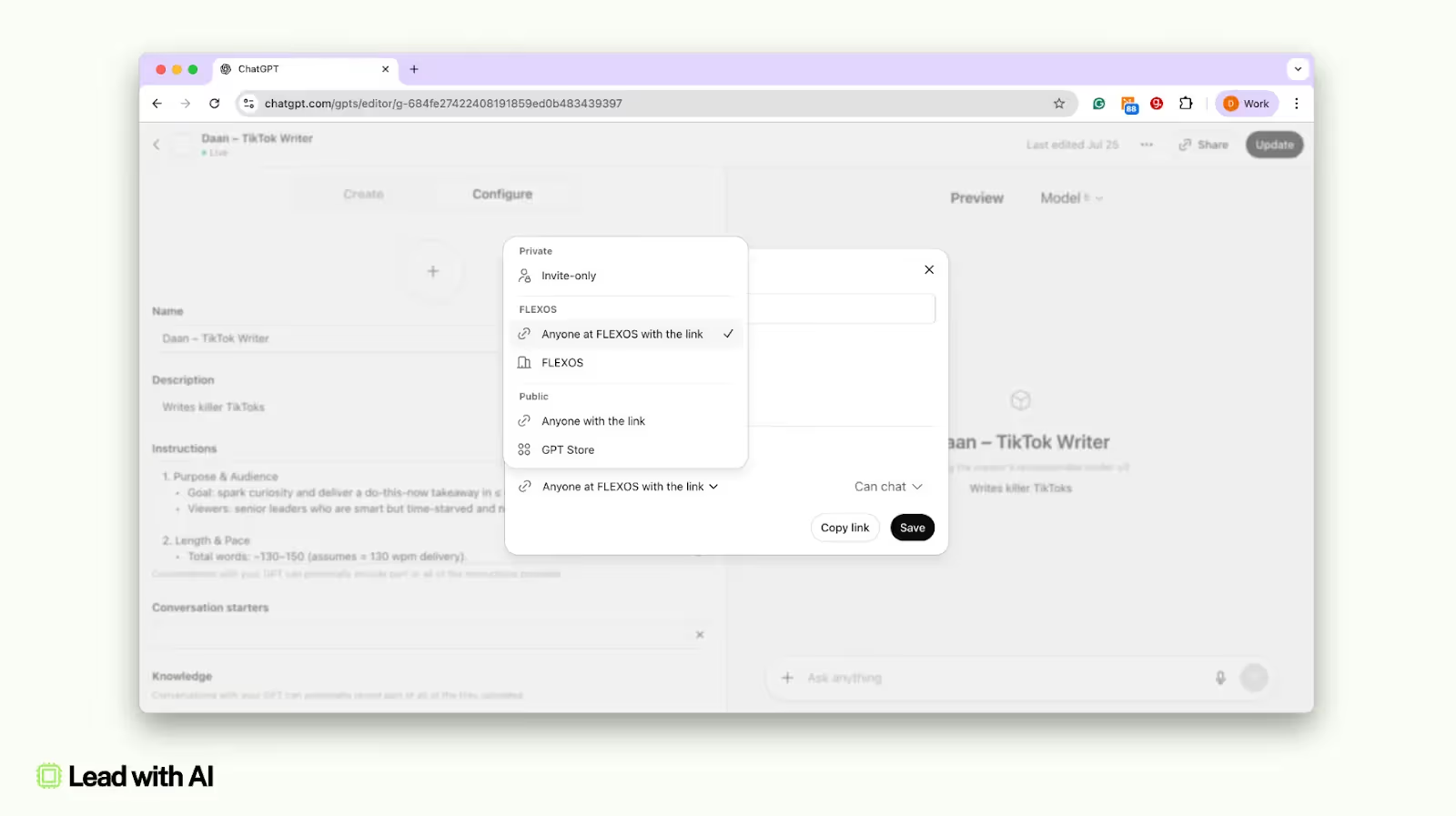
Custom GPTs are specialized AI assistants with tailored knowledge and behavior that are sharable to anyone, from team members to having your ‘app’ publicly listed in the GPT Store.
Projects, on the other hand, provide an organized workspace for ongoing conversations, files, and context around a long-term task, and have advanced memory features.
Both can be created by any leader, even non-technical ones, as they don’t require any coding or model training.
Building GPTs
Especially GPTs are easy to create, with a conversation-based builder environment to build a custom AI assistant by describing what it should do and feeding it relevant information. Please note that only paid users can create GPTs, but anyone can use them.
For example, OpenAI has showcased GPTs like “The Negotiator” (a bot to help negotiate better outcomes) and “Tech Support Advisor” (for step-by-step device help) to demonstrate how GPTs can be purpose-trained for specific tasks.
In practice, businesses use Custom GPTs to automate and scale expert knowledge. A sales team might create a “Sales Coach GPT” loaded with product info and pitching tips, or HR could build an “Employee Handbook GPT” to answer policy questions for staff.
Launching Projects
Projects are a newer feature (rolled out in 2025) that act as “smart workspaces” inside ChatGPT.
Instead of creating a single specialized bot, a Project is a folder or workspace where you can group multiple chats, upload files, and set project-specific instructions for a long-running effort. (For a detailed walkthrough, check my “ChatGPT in 7 Days” course, which is updated for ChatGPT-5 and new Projects features.)

Each Project can contain many conversation threads and reference documents, all related to a theme or goal (for example, a Project for “Q4 Market Research” might include chats analyzing data, brainstorming strategies, and drafting reports).
Projects keep everything organized and let ChatGPT remember context within that project so it stays on-topic over time.
They are ideal for iterative work like lengthy writing tasks, research investigations, planning initiatives, or any complex workflow that evolves through multiple ChatGPT interactions.
Unlike a one-off chat with a GPT, a Project provides continuity: you might start a Project to plan a conference, continually refine ideas across several sessions, and have all relevant chats and files in one place to revisit later.
GPTs vs. Projects: Memory
One of the crucial differences between GPTs and Project is the Memory they (don’t) possess.
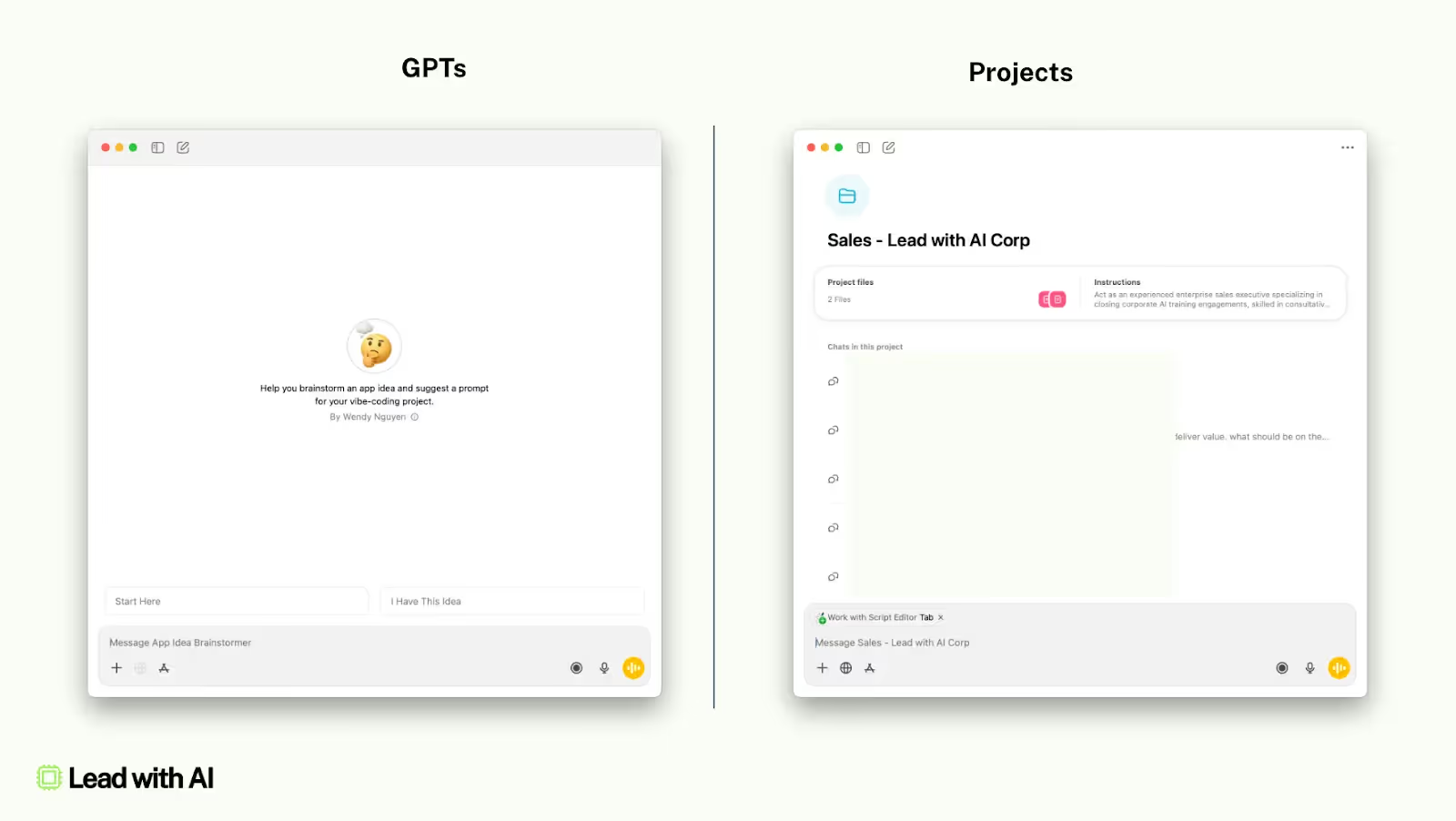
A Custom GPT is invoked as a single chat (with that GPT’s persona), while a Project can include many chats plus stored files and instructions linked to that project’s subject.
Each new chat with a custom GPT starts fresh with only the preset instructions and knowledge base, plus whatever context you include in that conversation. In other words, a custom GPT “won’t ‘remember’ that you told it something last week” unless that information was embedded into its instructions or uploaded files.
For example, if you mentioned a new sales target in a chat with a custom Sales Coach GPT, it won’t recall that number in the next session.
This, unless you update the GPT’s knowledge: the GPT builder lets you attach “Knowledge” files (up to 20 files, 512MB each), and the GPT will use semantic search or document retrieval on those files when responding. (See our Masterclass on building Knowledge Bases, or become a member if you’re not yet.)
Projects shine for personal productivity and deep dives, like managing a multi-step research project or drafting a document through iterative ChatGPT prompts.
All chats within a Project can reference each other’s context and the Project’s files, allowing ChatGPT to draw on earlier conversations when generating answers.
This means if you brainstorm ideas in one chat and later open a new chat in the same project, asking for a summary, ChatGPT can pull in details from that earlier brainstorming session (something that wouldn’t be possible across separate normal chats).
And as of last week, Projects have two memory modes:
- Default memory: the project’s chats can reference each other, and (for non-Enterprise plans) they may even draw on your general ChatGPT history outside the project if needed. On Enterprise/Edu plans, even “default” project memory keeps chats contained within the project (no outside cross-reference).
- Project-only memory: a stricter setting where the project is a completely isolated context bubble. The project will only look at chats and data within itself and ignore your other chats or saved memories. Its content is also hidden from outside chats. This is useful for sensitive or very focused projects – ensuring nothing leaks in or out.