

The race to build the best AI website has never been more intense.
This guide covers the ten AI websites worth building into your workflows, from the core platforms every senior leader should understand, to the specialist tools that save hours every week — the real test of Impact per Hour as your guiding metric.
Our picks are based on the thousands of leaders who joined our AI Leader Advanced program and are part of the Lead with AI PRO community.
| Tool | Best for | Key strength | Main limitation | Starting price |
|---|---|---|---|---|
| ChatGPT | Breadth and versatility | Largest feature set in the category | Feature sprawl can be disorienting | Free / $20-$200/mo |
| Gemini | Google Workspace users | Deepest ecosystem integration + massive context window | Full experience requires admin licensing | Free / $19.99/mo |
| Microsoft Copilot | Microsoft 365 organizations | Microsoft Graph context grounding | Requires IT-assigned license for full access | Free / $18/user/mo |
| Claude | Writing, long docs, reliability | Constitutional AI; steadier, more predictable outputs | Slower to release some multimodal features | Free / $20/mo |
| NotebookLM | Source-grounded analysis | Every answer cites your chosen sources only | Not for open-ended ideation | Incl. with Workspace |
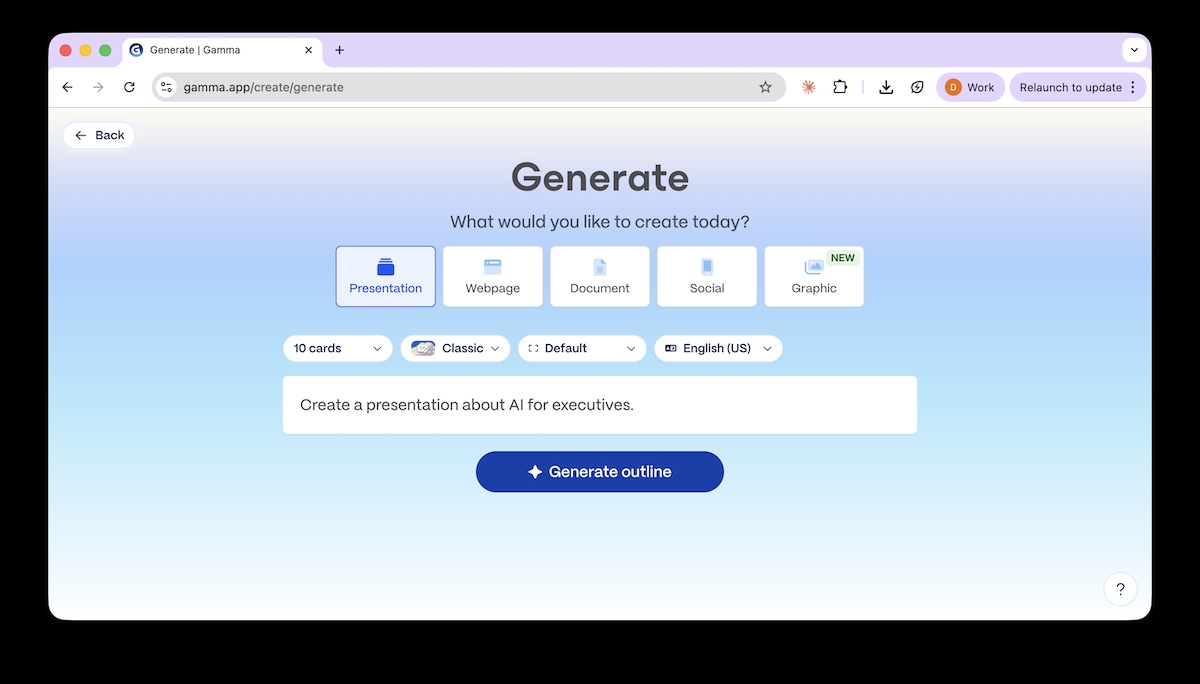
| Gamma AI | Presentation creation | Prompt-to-deck in minutes | Does not verify facts | Free / ~$8/mo |
| Granola | Bot-free meeting notes | No visible recording bot; hybrid human-AI notes | No Android app; limited speaker labeling | Free / $14/user/mo |
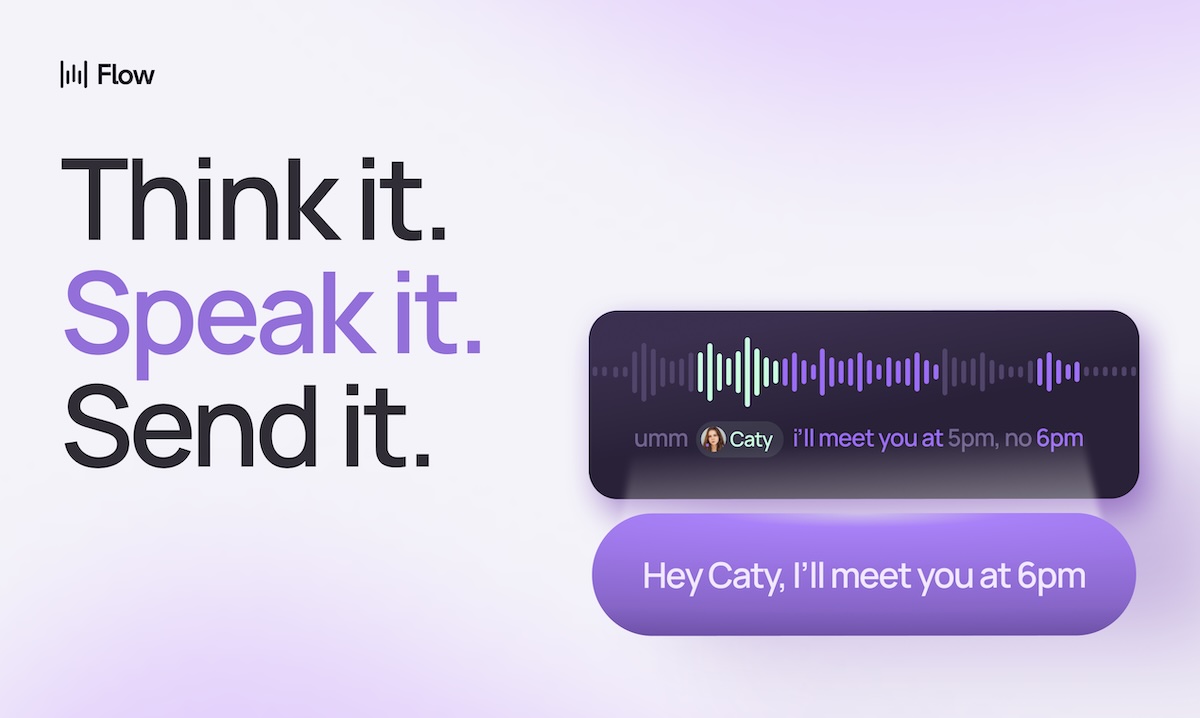
| Wispr Flow | AI dictation everywhere | Context-aware formatting across all apps | Cloud-only; requires internet | Free / $15/mo |
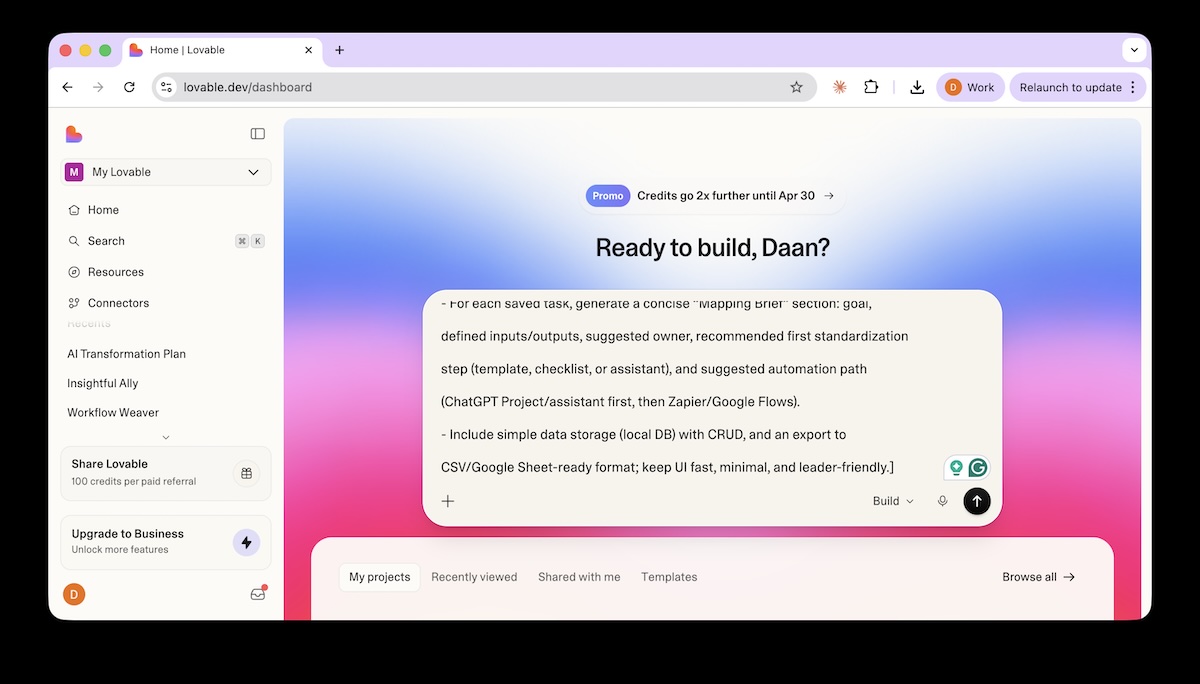
| Lovable | Building apps without code | Full-stack app from a plain-English prompt | Credits add friction; not for production scale | Free / ~$20/mo |
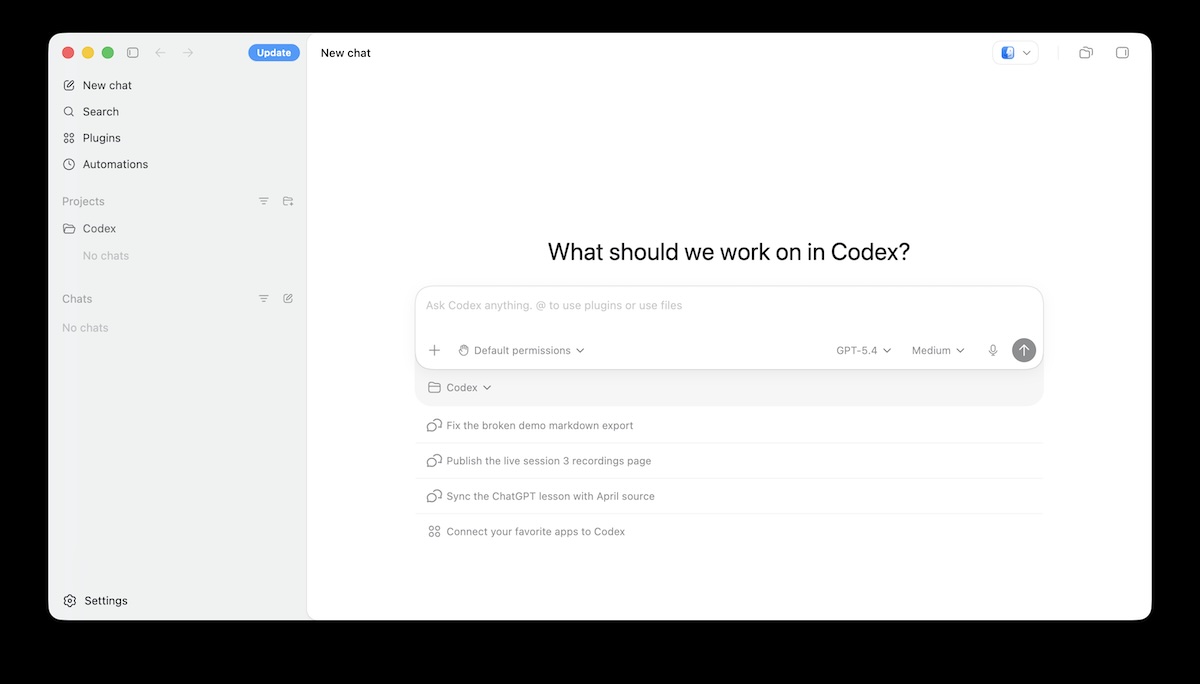
| Codex + Cowork Agents | Agentic AI for non-technical leaders | Autonomous multi-step task execution | Requires meaningful AI fluency to use well | Incl. with paid plans |
Top 10 AI Websites
1-4: Core AI Platforms: ChatGPT, Gemini, Copilot, and Claude
The four dominant platforms are in a full-speed feature arms race.
OpenAI, Google, Microsoft, and Anthropic are each investing billions to outcompete each other on capabilities, speed, and integrations.
But here is the key insight most leaders miss: the top 1% of AI leaders don't bet on a single platform: they use multiple.
This isn't about using every shiny new tool.
It's about cognitive diversification: deliberately using a second AI to fact-check outputs, challenge assumptions, expose blind spots, and test whether an answer holds up under different model reasoning. Just as strong leaders seek dissenting views, advanced AI users build that challenge directly into their workflow.
All four major platforms: ChatGPT, Gemini, Claude, and Copilot, are now capable of writing, data analysis, research, image generation, presentations, email, voice, code, and agentic actions.
For almost every task a senior leader encounters daily, the question is no longer "which specialist tool should I use?" but "which platform do I already have access to?"
Specialist tools built for one capability, like dedicated image generators, standalone email summarizers, separate research apps, are under real pressure or have been outcompeted already. The core platforms have largely caught up, and for most use cases, staying in one environment is faster and simpler than managing five separate subscriptions.
That said, the platforms are not interchangeable.
Where you work, how your organization is structured, and what you need to do at the frontier still matters; and the top 1% of AI leaders understand the differences well enough to route deliberately.
ChatGPT: The Platform with the Largest Surface Area
ChatGPT, developed by OpenAI, is the most widely used AI platform globally, having surpassed 900 million weekly users in early 2026, with some reports putting it past 1 billion by mid-2026 (see our AI statistics guide for the latest figures).

Its core strength is breadth.
ChatGPT handles content creation, analysis, research, code, image generation, and sophisticated agent workflows, with one of the most comprehensive feature sets currently available.
Key capabilities include:
- GPT-5.5 Instant for fast everyday tasks, now with sharper factual accuracy and personalization
- GPT-5.5 Thinking for complex knowledge work
- GPT-5.5 Pro for the hardest research and analysis tasks
- Deep Research for multi-source, fully cited reports
- ChatGPT Agent for multi-step task execution across connected tools
- Codex for software engineering and agentic workflows
- Projects, Skills, and GPTs for building repeatable, context-aware assistants
- ChatGPT Images, powered by the GPT Image 1.5 model, for fast, high-fidelity image generation and editing
OpenAI has also begun previewing its next-generation GPT-5.6 family (Sol, Terra, Luna), though access is currently limited to the API and Codex under a government-reviewed preview — see GPT-5.6 Arrives Under Tight Access for what's changing and why.
Apps connect ChatGPT to Google Drive, Slack, GitHub, and other services so it works with your private context, not just public data.
ChatGPT now also shows memory sources across all models, so you can see exactly which saved memories or past chats shaped a given answer, and delete or correct that context directly — see our guide on how to control how ChatGPT remembers you.
Voice, live video, and screen sharing round out the multimodal layer.
Key strength: Breadth, ecosystem reach, and the fastest pace of feature releases in the category.
Main limitation: The sheer number of features and models can be disorienting. Knowing which mode to use for a given task matters as much as understanding prompt engineering.
Pricing: Free; Plus at $20/month; Pro at $100-$200/month; Business at ~$25/user/month; Enterprise at custom pricing.
Gemini: The Obvious Choice if Your Organization Runs on Google
Gemini is Google's AI assistant, and its primary advantage is ecosystem depth. If your organization runs on Google Workspace, Gemini works inside the tools you already use: Gmail, Docs, Sheets, Slides, Drive, and Meet.
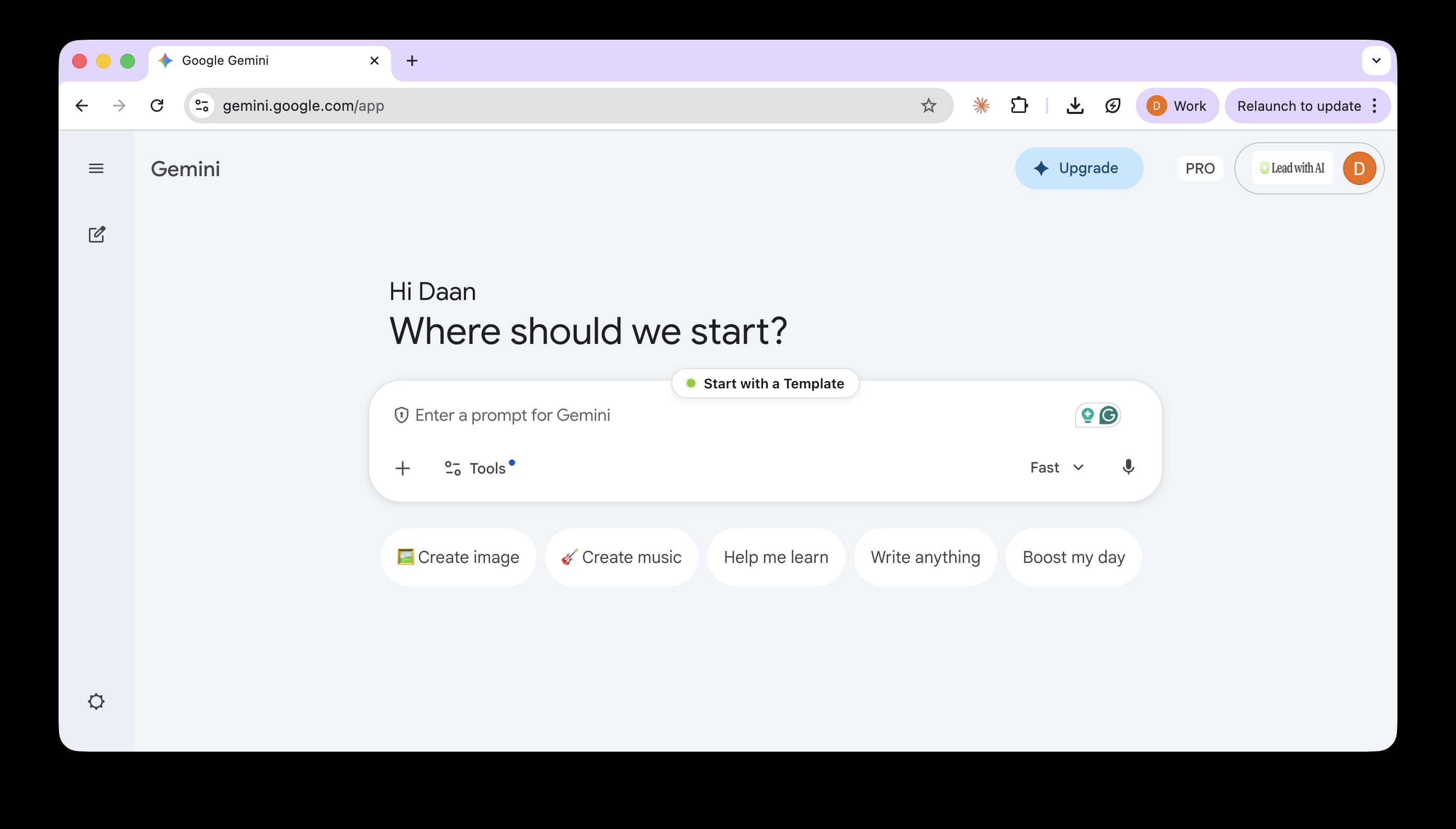
There is no workflow context switch: the AI is already where your work lives.
Beyond integration, Gemini supports a context window of up to 1 million tokens on higher plans, making it particularly useful for reasoning over long documents.
Its connection to Google Search also gives it a strong edge on up-to-date information and sourced research.
Capabilities include:
- Gemini Live for real-time voice and screen-sharing conversations
- Deep Research for multi-source reports
- Gems for reusable workflow assistants
- Workspace Flows for multi-step automation across apps
- Scheduled Actions for recurring AI tasks
Key strength: Depth of Workspace integration and the largest context window of the four core platforms.
Main limitation: The full in-app experience depends on admin settings and licensing. Not every Workspace user gets the same Gemini access.
Pricing: Free; Google AI Pro at $19.99/month for individuals; Workspace Business Standard at $14/user/month with full in-app Gemini access included.
Microsoft Copilot: The Enterprise Choice for Microsoft 365 Organizations
Microsoft Copilot is the platform of choice for organizations running on Microsoft 365.
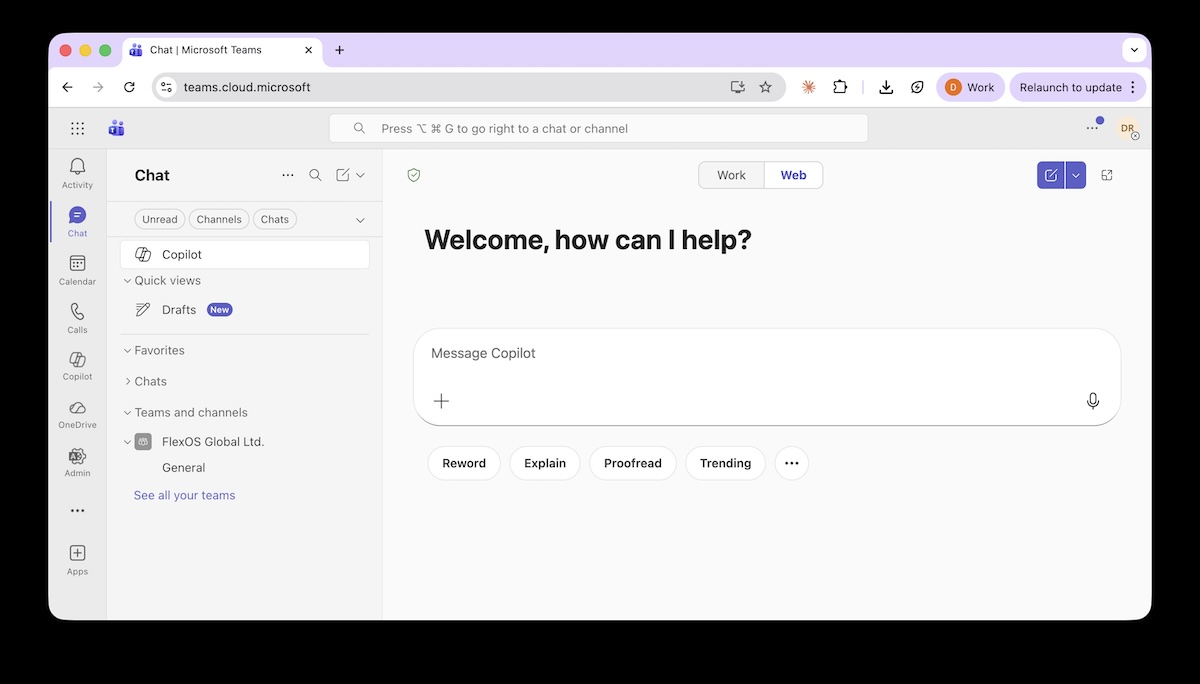
Its defining feature is Microsoft Graph: a connection layer that grounds Copilot's responses in your actual work context — emails, calendar, documents, meetings, and Teams conversations.
Instead of answering in the abstract, Copilot reasons over content you already have permission to access.
This makes Copilot especially valuable inside Teams, where meeting summaries, email prioritization, and scheduling create visible, measurable ROI for knowledge workers.
Copilot also includes:
- Researcher Agent for multi-source reports
- Analyst Agent for data work
- Designer for visuals
- Agent Builder for custom workflow automation
Copilot's model picker now explicitly lists Microsoft's default, GPT-5.5, and Claude Opus 4.8, so users can choose a model themselves for careful document review or heavier analysis rather than leaving routing entirely automatic.
Microsoft also launched Copilot Cowork, an agentic layer that plans and executes complex, multi-step tasks across Outlook, Teams, Word, Excel, and SharePoint end-to-end rather than returning a draft or a recommendation.
Cowork reached general availability worldwide on June 16, 2026, after a three-month preview in Microsoft's Frontier program, and at launch it defaults to Anthropic's models, including Claude Opus 4.8 and Sonnet 4.6, with GPT-5.5 available as an alternative.
For a closer look at how Claude actually shows up day-to-day across Word, Excel, and PowerPoint, see Work with Claude across Microsoft 365 apps.
Key strength: Microsoft Graph grounding and strong data governance. Organizational data is not used to train foundation models by default, which makes Copilot the "safe" choice for many enterprise IT and compliance teams.
Main limitation: The full experience requires an IT-assigned Microsoft 365 Copilot license. Without it, deep app integration and organizational context are unavailable regardless of which plan you are on.
Pricing: Microsoft 365 Personal at $9.99/month for individuals; Copilot Business at $18/user/month; Copilot Enterprise at $30/user/month.
Claude: The Choice for Writing, Complex Reasoning, and Ethical Reliability
Claude, built by Anthropic, is built around Constitutional AI: the model is trained to critique and revise its own outputs against a written set of principles, rather than simply optimizing for engagement or speed.
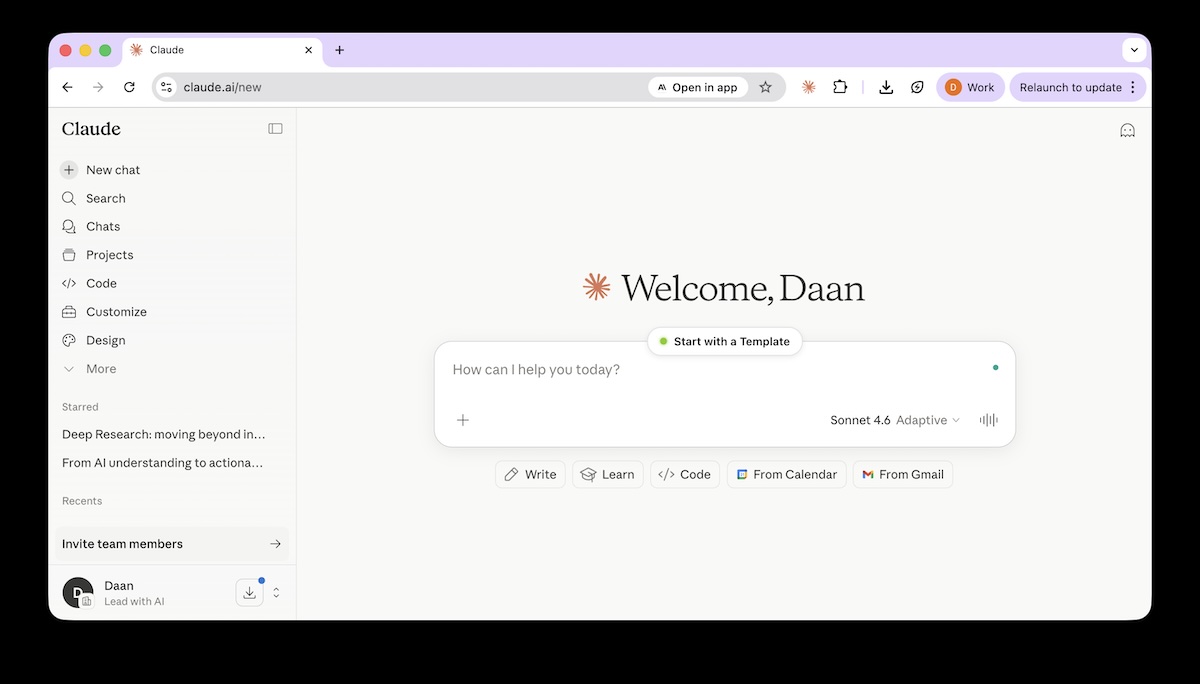
In practice, this produces a steadier tone, more predictable behavior, and extra caution in high-stakes or sensitive situations.
Claude processes up to 200,000 tokens in a single prompt — documents up to roughly 500 pages.
It is widely regarded as the strongest model for writing and editing, and is the most popular large language model among developers.
Its Projects feature creates persistent workspaces with bundled instructions and knowledge bases.
Agent Skills allow modular, reusable capability packs that can be shared across teams.
Claude also produces native Office files — Excel, PowerPoint, Word, and PDF — directly from prompts.
Claude Design extends this into visual work, turning prompts into branded prototypes, decks, and one-pagers that teams can edit directly against their own design system — see Claude Design gives teams more control over AI-built prototypes for what's new.
Cowork, Claude's agentic platform, extends these capabilities to non-technical leaders and is covered in entry 10.
For more on where Opus 4.8 and the rest of the frontier stack stand today, see Lead with AI's June Executive Briefing, which also covers Fable, Anthropic's newest Mythos-tier model.
Key strength: Writing quality, long-document reasoning, and reliable, predictable behavior on complex or sensitive tasks.
Main limitation: Claude is typically more expensive, with tighter usage limits than ChatGPT and other competitors, particularly on the free and entry-level paid tiers.
Pricing: Free; Pro at $20/month; Max at $100-$200/month; Team at ~$25-30/user/month; Enterprise at custom pricing.
The Four Core AIs at a Glance
Where you work and what matters most to you will determine which platform suits you best.
For a practical breakdown of how to actually prompt these frontier models well, see How to Prompt GPT-5.5, Claude Opus 4.8, and Claude Fable 5.
Here's a quick comparison to help you choose your 1-2 core AI platforms:
| ChatGPT (OpenAI) | Claude (Anthropic) | Gemini (Google) | |||||||
|---|---|---|---|---|---|---|---|---|---|
| GPT 5.5 Instant | GPT 5.5 Thinking | GPT 5.5 Pro | Haiku 4.5 | Sonnet 5 | Opus 4.8 | Gemini 3.5 Flash (Fast mode) |
Gemini 3.5 Flash + Reasoning (Thinking mode) |
Gemini 3.5 Pro (Pro mode, rolling out July 2026) |
|
| Description | Fast, lightweight model for everyday tasks | Reasoning model for complex, multi-step tasks | Most capable model for deep research and analysis | Fast, lightweight model for everyday tasks | Balanced model for complex knowledge work | Most capable model for agents and coding | Fast, lightweight model for everyday tasks | Reasoning model for complex knowledge work | Most capable model for dense reasoning and analysis |
| Supported data types | Text, image, Structured data (JSON) | Text, image, Structured data (JSON) | Text, image, Structured data (JSON) | Text, image, Structured data (JSON) | Text, image, Structured data (JSON) | Text, image, Structured data (JSON) | Text, image, Video, Audio, Structured data (JSON) | Text, image, Video, Audio, Structured data (JSON) | Text, image, Video, Audio, Structured data (JSON) |
| Context window | 128K tokens ~96K words |
1,050K tokens ~787K words |
1,050K tokens ~787K words |
200K tokens ~150K words |
1M tokens ~750K words |
1M tokens ~750K words |
1,048,576 tokens ~787K words |
1,048,576 tokens ~787K words |
1,048,576 tokens ~787K words |
| Max output | 16,384 tokens ~12,200 words |
128K tokens ~96K words |
128K tokens ~96K words |
128K tokens ~96K words |
128K tokens ~96K words |
128K tokens ~96K words |
65,536 tokens ~49K words |
65,536 tokens ~49K words |
65,536 tokens ~49K words |
| Knowledge cut-off | Aug 2025 | Dec 2025 | Dec 2025 | Feb 2025 | Jan 2026 | Jan 2026 | Jan 2025 | Jan 2025 | Jan 2025 |
| Ranking on overall performance | #14 | #5 | #2 | N/A | #10 | #1 | #13 | #7 | #3 |
5. NotebookLM: The Best Way to Work with Sources You Actually Trust
NotebookLM (by Google) solves a problem the core AI platforms don't fully address: working only with the sources you have chosen. Instead of generating answers from broad training data, NotebookLM grounds everything in a curated set of documents like PDFs, Google Docs, Sheets, Drive links, web pages, and more, and cites every claim back to those sources.
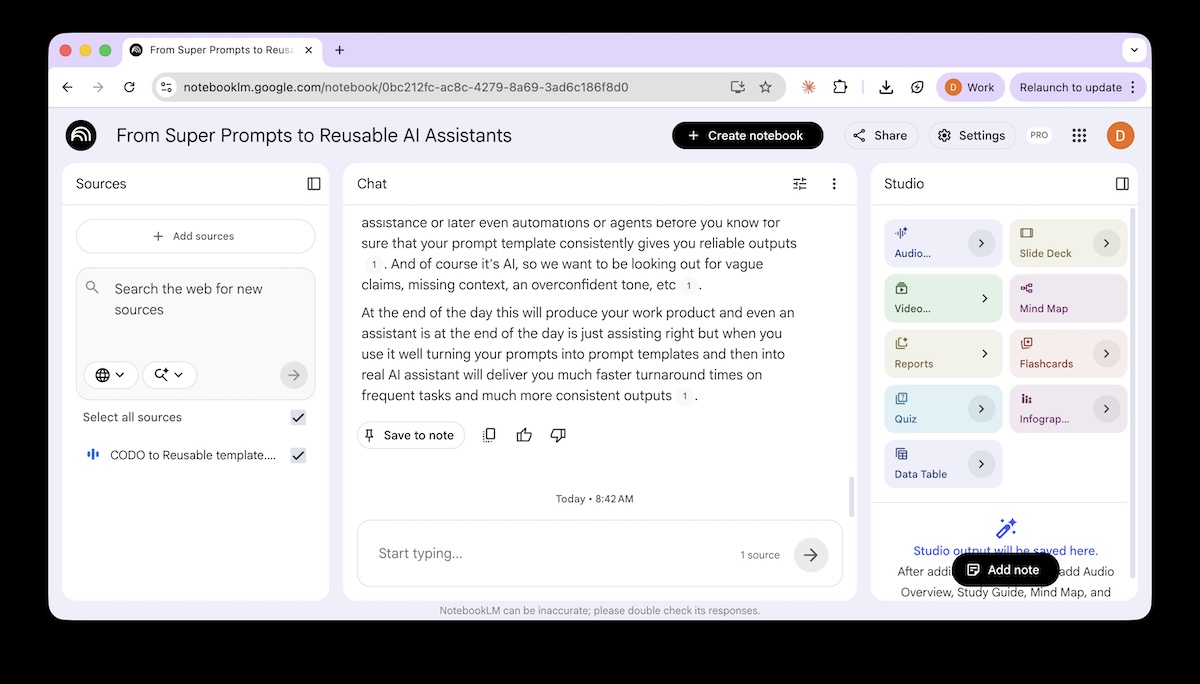
The result is a controlled environment with fewer hallucinations and faster verification.
You curate a small, citable evidence set; NotebookLM synthesizes from that set with citations so you can check quickly.
The distinction matters: a focused notebook beats an overload of information.
Key features include:
- DeepFast Research mode, where NotebookLM finds and proposes web sources before you commit them
- AI Q&A grounded strictly in your selected documents
- Briefing Doc generation with custom constraints
- Mind Map creation, downloadable as PNG
- Audio Overviews for listening to summaries
- Slides and infographics generated from your sources
Notebooks sync with Gemini, letting you move between NotebookLM's source-grounded environment and Gemini's broader working context.
In June 2026, Google shipped a major upgrade that moved NotebookLM onto Gemini 3.5 and gave each notebook a secure cloud computer for running code, enabling deeper analysis and outputs generated directly as PDFs, spreadsheets, and slide decks.
It also added the ability to start a project from a loose idea, with NotebookLM helping find and organize sources rather than requiring them upfront — see Google's announcement for the full rundown.
A practical note: when you add sources from Drive, resync manually if the underlying document changes — it does not happen automatically.
And even in NotebookLM, double-checking a few key citations still makes sense.
Key strength: Source-grounded outputs with verifiable citations — the most trustworthy AI environment for analysis that matters.
Main limitation: NotebookLM is built for working within your chosen sources. It is not the right tool for open-ended ideation or tasks that require broad general knowledge.
Pricing: Included with Google One AI Pro ($19.99/month) and Google Workspace Business Standard ($14/user/month) and above.