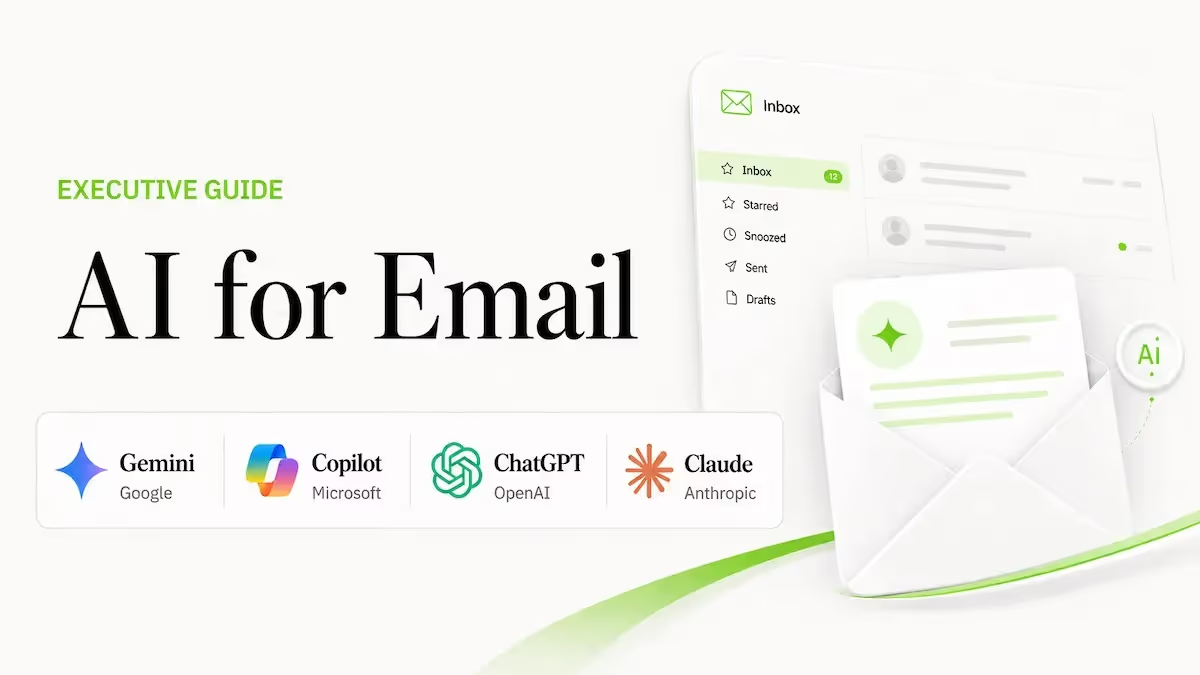


Based on the Lead with AI AI Leader Advanced program, Day 8: Reclaim Time with AI for Email.
Email has three characteristics that make it unusually well-suited for AI: it's high volume, it's highly repetitive, and it's primarily cognitive work.
That combination means AI can do a lot more than help you write faster — it can take over some of the thinking itself.
Why Email Is One of the Best Starting Points for AI
The sheer volume of email creates constant cognitive load. But the patterns are repetitive: requests, updates, clarifications, follow-ups, status checks.
And the actual work is cognitive; reading, interpreting intent, deciding what matters, choosing a response, and translating that decision into clear language.
Those are exactly the areas where modern AI performs well.
AI can read and synthesize large amounts of text quickly. It can extract intent from messy or incomplete input. And it can move you from information to action faster than manual processing.
The mindset shift that makes this work: AI isn't "sending emails for you." It's not replacing judgment or automating relationships.
Think of it as a thinking assistant inside your inbox, designed to reduce cognitive load. It helps you understand long or complex threads without rereading everything, draft a clear first response instead of starting from a blank page, and adjust tone based on context: direct, diplomatic, concise, or detailed.
These benefits compound when applied to recurring email types: status updates, approvals, routine decisions.
Two Ways AI for Email Shows Up
You'll typically encounter AI for email in two forms.
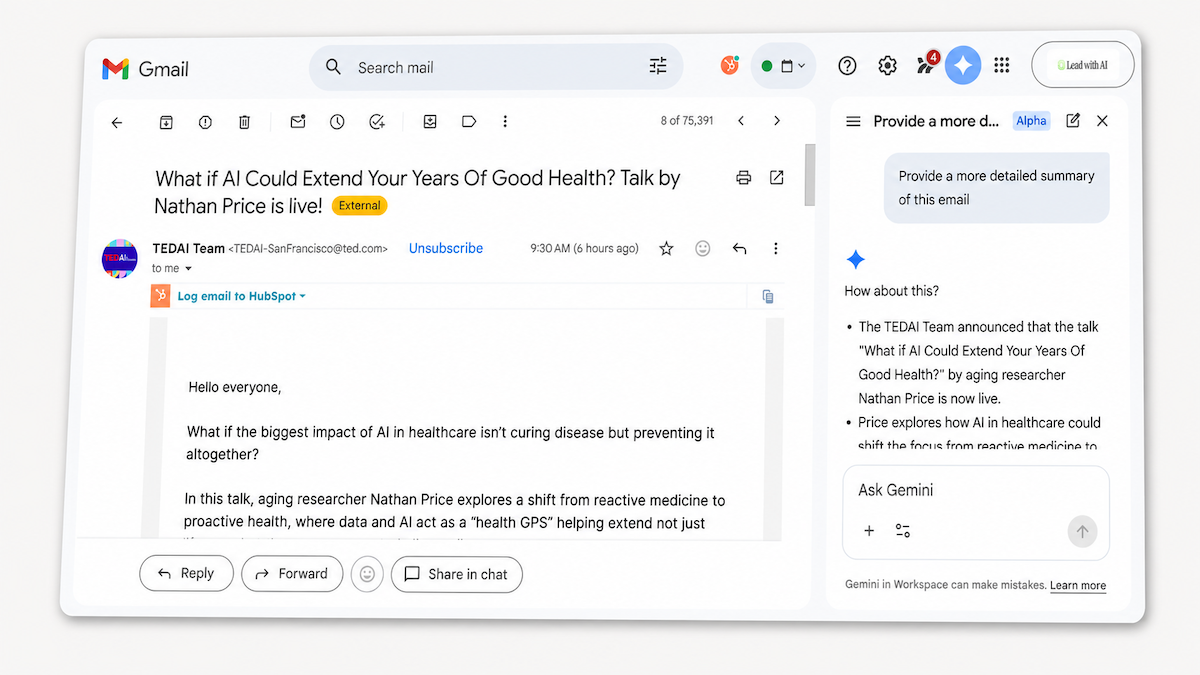
Inside the inbox: Tools like Gemini in Gmail or Copilot in Outlook live directly in your email environment.
They fit naturally into the flow of work: they can read entire threads, understand context across messages, summarize what's happening, suggest replies, and help you think through how to respond.
In this setup, AI acts less like a writing tool and more like a thinking partner, helping you decide what matters, what needs action, and how to respond in the moment.
Outside the inbox: Using a core AI platform like ChatGPT or Claude, either by pasting emails manually or connecting your inbox through integrations. Here, you step out of the inbox to think more deliberately.
This approach works especially well for higher-stakes emails: clarifying complex situations, drafting sensitive responses, thinking through implications before replying.
Across both approaches, the real value is offloading cognitive work: interpretation, judgment, structuring a response.
How Gemini, Copilot, ChatGPT, and Claude Compare
At a glance:
| Tool | Best For | Key Strength | Main Limitation | Price |
|---|---|---|---|---|
| Gemini in Gmail | Google Workspace users | Side panel plus Gems for recurring email types. | Requires eligible Workspace plan; admin must enable. | From $7/user/month |
| Copilot in Outlook | Microsoft 365 users | Grounded in your calendar and files across Microsoft 365. | Requires Copilot-enabled plan; admin setup needed. | From $30/user/month |
| ChatGPT | Gmail or Outlook, scheduled automation | Scheduled inbox tasks via Apps connector. | Apps require paid plan; depends on IT settings. | From $20/month |
| Claude | Thread-heavy research | Cites every email used with links to originals. | Images and attachment content not visible. | From $20/month |
Gemini in Gmail
Gemini lives inside Gmail as a side panel and inline assistant, accessible from any open thread, from a draft in progress, or from the Gemini panel on the right-hand side of your inbox.
The most practical use cases: turning a long thread into an actionable brief (decisions made, open questions, owners, due dates), drafting a reply in your tone without starting from scratch, and getting strategic counsel on a tricky message before you write.
What makes Gemini particularly strong is the Gems feature: custom AI assistants you can pull into any email conversation. If you handle recurring email types (customer questions, internal requests, media inquiries), a well-built Gem trained on your own context makes each response faster and more consistent.
Access requires a Google Workspace plan with Gemini features enabled (Business Standard and above) or a Google AI subscription, and must be enabled by your admin.
Copilot in Outlook
Copilot works inside the email reading pane and the compose window. It's grounded automatically in your calendar and Microsoft 365 files: not just the message you're looking at, but documents in OneDrive and SharePoint that you already have access to.
That grounding is the differentiator. When you ask Copilot to draft a reply referencing a document you received last week, it can find it. When an email involves scheduling, it can pre-populate a calendar event for review. It also works alongside Grammarly if you have it installed.
The most complete experience is on desktop, specifically in Outlook on the web and the new Outlook for Windows. Access requires Copilot to be enabled by your organization's admin.
ChatGPT for Email
ChatGPT works two ways for email: a fast no-setup copy-paste option and a connected option via the Apps feature, which links your Gmail or Outlook account for real-time inbox access.
The copy-paste approach is already a meaningful upgrade for most people, especially if ChatGPT has context on how you write and what you care about from prior conversations. The Apps integration adds the ability to fetch and organize emails on demand, and to set up scheduled tasks: for example, a daily priority list delivered each morning before you open your inbox.
Email access is read-only: ChatGPT can draft but not send. Apps require a paid ChatGPT Plus or Team plan, and availability depends on company IT settings.
Claude Gmail Integration
Claude connects to Gmail via Settings > Connectors. Once connected, it uses Gmail automatically when your request calls for it, with no mode-switching required.
The integration is well-suited for thread-heavy situations: pulling the history of a relationship across multiple messages, summarizing what's been agreed, drafting based on what was actually said rather than just the most recent message. Claude cites the emails it used and links back to the originals, so you can verify before acting.
Limitations worth knowing: Claude can read and draft but cannot send. It only accesses Gmail when explicitly asked, and embedded images and attachment contents are not visible, only metadata. Available on Claude Pro, Team, and Enterprise plans.