

The problem
A business development director at a software services company spends his days in calls with clients, partners, prospects and his own team. Every call left work behind: notes to write, a follow-up email to draft and records to update.
He did it by hand after each call, and important details could get lost between the conversation and the follow-up.
A cloud meeting tool was not an option. His calls carry client information that must stay under his control, so he needed an assistant that protects the data first.
What they built
He built his own call assistant for the Mac with Claude Code, and he uses it in real calls. It works with any call app, so he does not need a different add-on for each one.

The agent card: the whole build on one page
Inputs, steps, outputs, what stays human and the Impact per Hour, ready to share with your team.
Download the agent cardHow it works
Two principles shape every part of it:
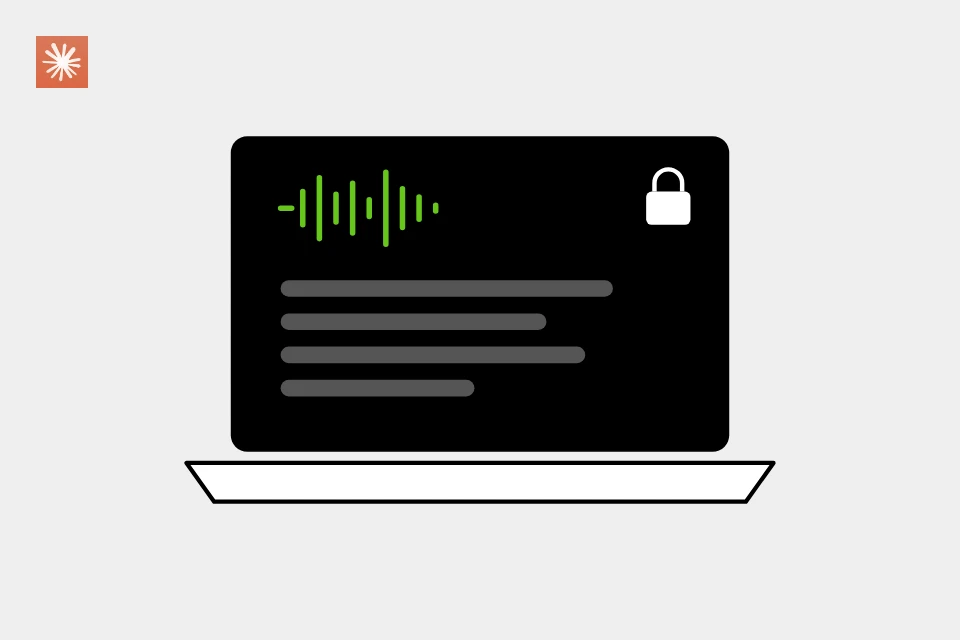
- Security and data governance. Notes and records stay on his laptop. Names, amounts, emails and phone numbers become placeholders before anything reaches a cloud model, and the real values come back only on his machine.
- A person decides. The assistant drafts and he approves.
During the call, it transcribes and translates live, keeps a running list of topics and suggests answers to client questions. Each suggestion comes only from his own documents, such as client profiles and service offerings, and shows its sources. The app checks that every source exists before showing the card. When the answer is not there, the card says so, and it never promises a price or a date.
After the call, the note is written the moment he presses stop: a summary, decisions, open questions and actions, each with an owner. It then drafts the follow-up email in his own writing style and the updates to his records.
It is not perfect. It still gets some names wrong, and meetings in a room are harder than calls, so he reads every note. Our guide to Claude Cowork and Claude Code covers the tool he built it with.
Results
Time saved. The follow-up can go out right after the call, while the details are fresh. The time he gets back goes to the next conversation instead of admin.
Better follow-ups. The email is built from the call note, so it carries every decision and action from the call.
Capability gained. Live translation and sourced answers support him in calls, without exposing client data to the cloud.
Less admin per call and better calls is Impact per Hour on both counts.
He reads, edits and approves every note and email. Nothing is sent or saved without him.
Build your own
This pattern fits anyone whose calls leave notes, emails and updates behind, such as sales, account management, consulting or recruiting.
- Start with the work every meeting leaves behind. It is repetitive and digital, which the GED-RT framework marks as a strong AI candidate.
- Set your data rules before you build. Decide what may leave your laptop, and mask the rest.
- Ground every answer in your own documents. Require sources, and forbid promises on price or dates.
- Give the note a fixed structure. Summary, decisions, open questions and actions with owners.
- Draft, never send. Review each draft with the DRAFT Framework before it goes out.
Here is the transcript of a call with [client or partner]. Write a call note with a three-sentence summary, the decisions made, the open questions, and every action with its owner and due date. Then draft a follow-up email in my style, based only on the note. Here are two of my past emails: [paste]. Do not promise prices or dates that were not agreed in the call. Mark anything you are unsure about.
Want a simpler start? The free lesson Build Your Meeting Assistant shows you how, and our overview of AI meeting assistants compares ready-made tools.
Frequently asked questions
Can an AI call assistant keep client data private?
Yes, if privacy is designed in from the start. This one keeps notes on the laptop and masks names, amounts, emails and phone numbers before anything reaches a cloud model.
How do you stop an AI call assistant from making things up?
Limit it to your own documents and make it show its sources. This assistant checks every source exists, says when it has no answer and never promises a price or a date.
Does the assistant send emails on its own?
No. It drafts the note, the email and the record updates, and nothing is sent or saved until he approves it.