
Organize your Gemini chats with synced Notebooks

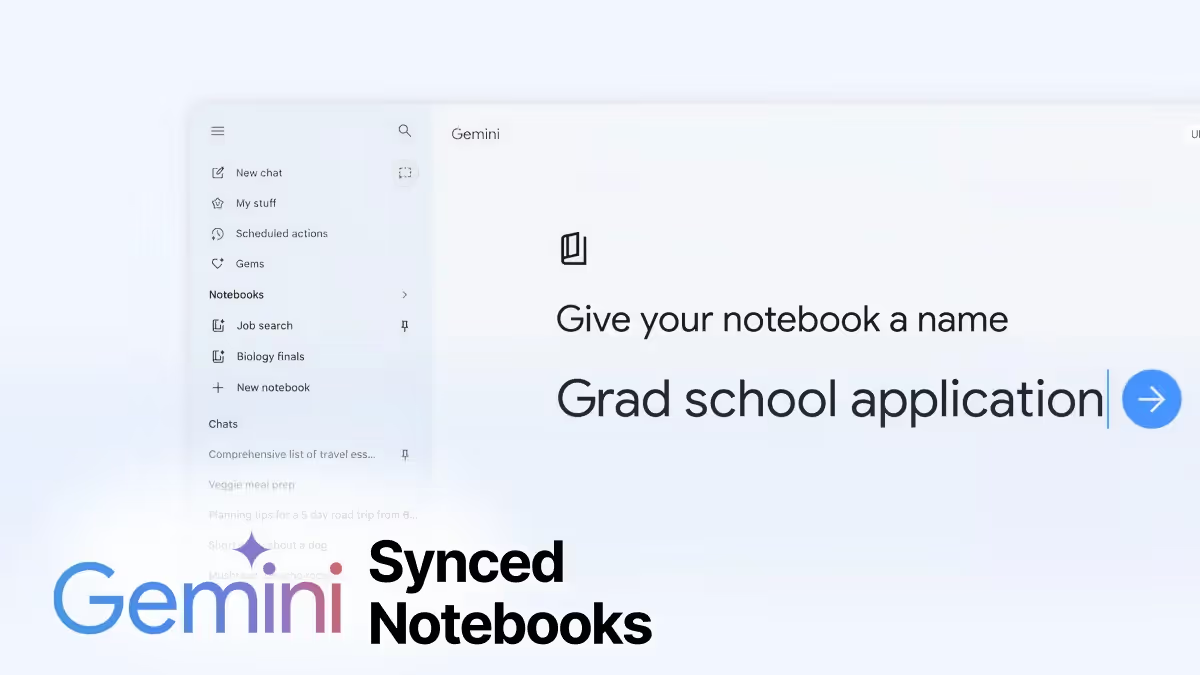
Google has introduced Notebooks in Gemini, a new way to organize chats, files, and instructions around a specific project inside the Gemini app. The bigger move is that these notebooks sync directly with NotebookLM, so Gemini starts to feel more like a persistent work surface for ongoing research, writing, and planning.
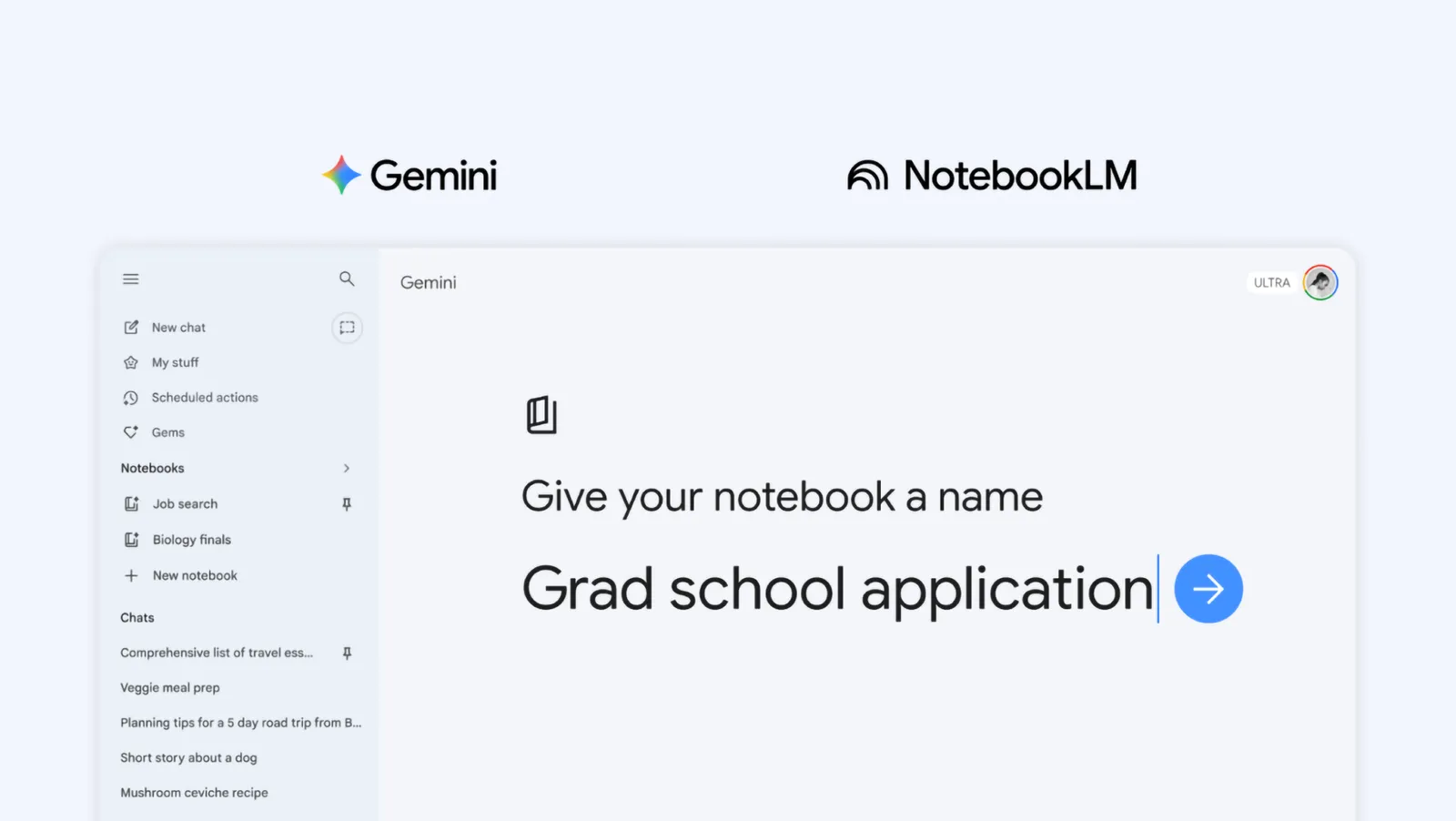
Here are the key updates:
- Notebooks give Gemini a dedicated project layer: You can now create a notebook in Gemini, move past chats into it, attach files such as PDFs and documents, and add custom instructions.
- They sync across Gemini and NotebookLM: Any source you add in one place appears in the other, which means you can start a project in Gemini, then jump into NotebookLM for things like Video Overviews or Infographics, without rebuilding the source base.
- They handle source grounding differently: In NotebookLM, notebooks remain grounded in the notebook’s source set, including uploaded materials and Gemini chat threads synced in as sources. In Gemini, that same notebook can be used alongside broader capabilities like web search and tools.
- Gemini chats become part of the notebook knowledge base: When you chat with your notebook in Gemini, those conversations appear in NotebookLM’s sources panel as read-only sources. They cannot be edited, renamed, or removed from NotebookLM directly, and they are visible to collaborators if the notebook is shared.
This update removes some of the friction between “thinking in chat” and “working from sources.” Strategically, it gives you a smoother way to get more out of the tools by using them for what they do best, without losing the thread of the work.
Notebooks in Gemini are rolling out first on the web to Google AI Ultra, Pro, and Plus subscribers, with mobile, more European countries, and free-user access coming later. Google also says the feature is not currently available for users under 18, Workspace accounts, or Education accounts.
Read more about Google’s new Notebooks in Gemini
Read more AI news after this: