
August 28, 2026

Google Workspace Studio Skills Are Live: What You Need to Know

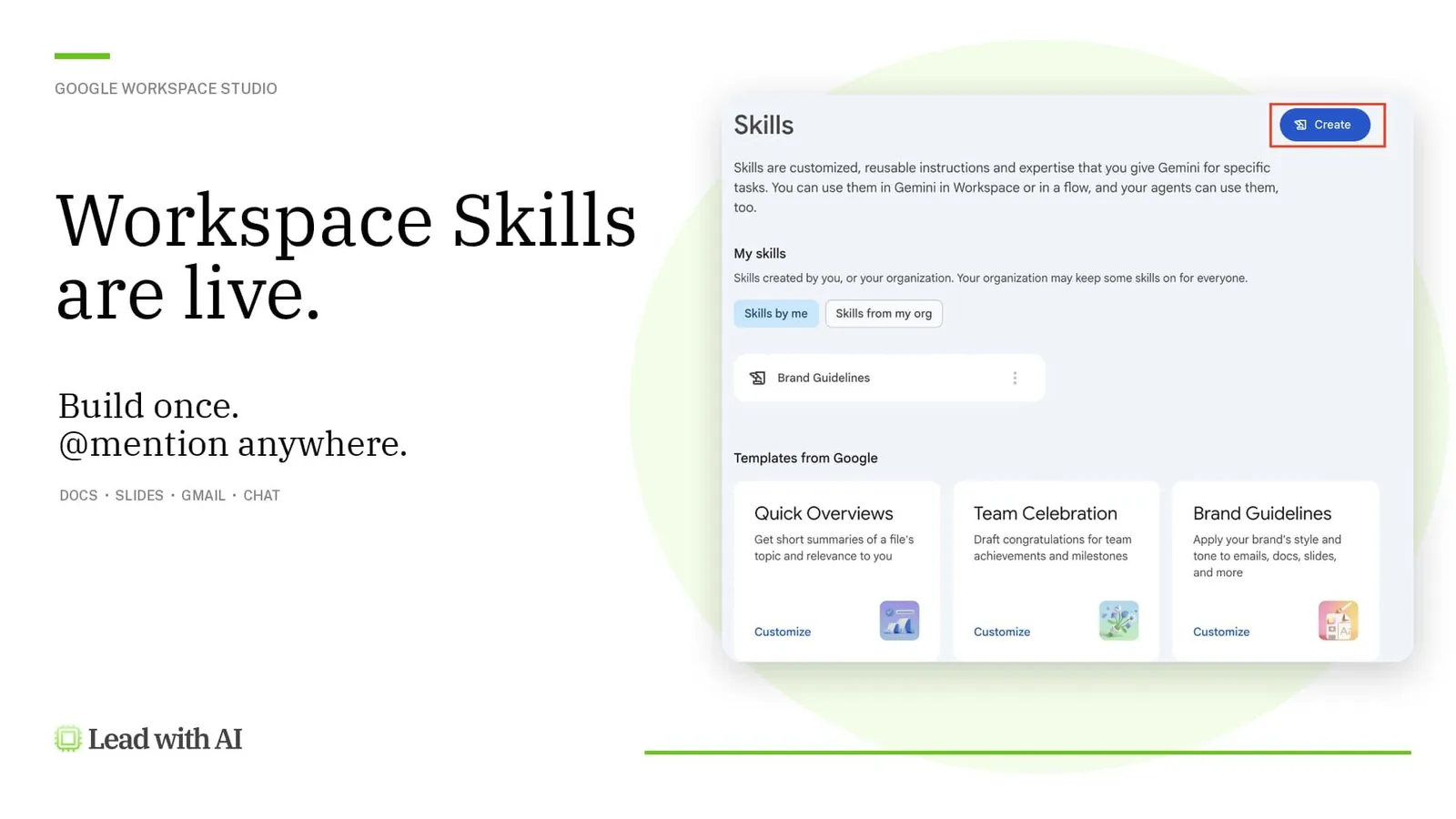
Google's Workspace Studio Skills beta lets you build a reusable Gemini instruction once and invoke it anywhere in Docs, Slides, Gmail, and Chat.
Google Workspace Studio Skills are live: build once, @mention anywhere across Docs, Slides, Gmail, and Chat
Daan van Rossum
By
Daan van Rossum
Founder & CEO, Lead with AI

Presented by

Skills is the newest building block for Gemini. ChatGPT, Copilot, and Claude have all had their own version of this over the past year, and Gemini is the last to release theirs.

Unfortunately, it’s rolling out as a beta feature, so access depends on whether your organization has opted in and enabled it.

If they did, then Skills are now available inside Workspace Studio, and it’s a game-changer as you work your way through Docs, Slides, Gmail, and Chat.

If you haven't touched Workspace Studio yet, it's Google's no-code tool for building AI agents that automate real work across your Workspace apps (our piece on building your own agents in Google Workspace Flows covers the basics).

Previously, you could build a Flow, which helps you design an automated task in plain language. Skills is the latest addition.

Flagship AI Newsletter
The AI Newsletter That Makes You Smarter, Not Busier
Join over 30,000 leaders and receive our insights on AI platforms, implementations, and organizational change management.
FlexOS Course - AI Content Accelerator - Testimonial Badge

What Is a Skill, Exactly?

A Skill is a packaged, reusable instruction you give Gemini so it repeats a task the same way every time, instead of you re-explaining the format in every prompt. Think of it as sticky prompt engineering: the instructions you'd normally retype are now saved in perpetuity.

You build it once, inside Workspace Studio, either by describing what you want in plain language or filling out a short form.

You invoke it anywhere Gemini's side panel shows up, by typing "@" plus the Skill's name inside Gmail, Google Chat, Docs, Slides, or Drive.

It can also run inside an automated flow, passing data between steps, like pulling details out of a document to update a record somewhere else.

Who Can Access Skills Today?

Skills is currently part of Gemini Beta, which is off by default for every organization on Business Starter, Standard, Plus, Enterprise Standard and Plus, and Education editions.

An admin must turn it on specifically in the Admin console under Generative AI > Gemini for Workspace > Gemini Beta features panel, for chosen users, groups, or organizational units. Switching on Gemini Beta switches on every beta feature at once.

Admins then additionally have to switch on "Create and use skills" under Menu → Apps → Google Workspace → Workspace Studio → Skills. There’s an additional separate toggle for sharing skills externally.

Building Larry: A Skill That Turns Notes Into a Weekly Update

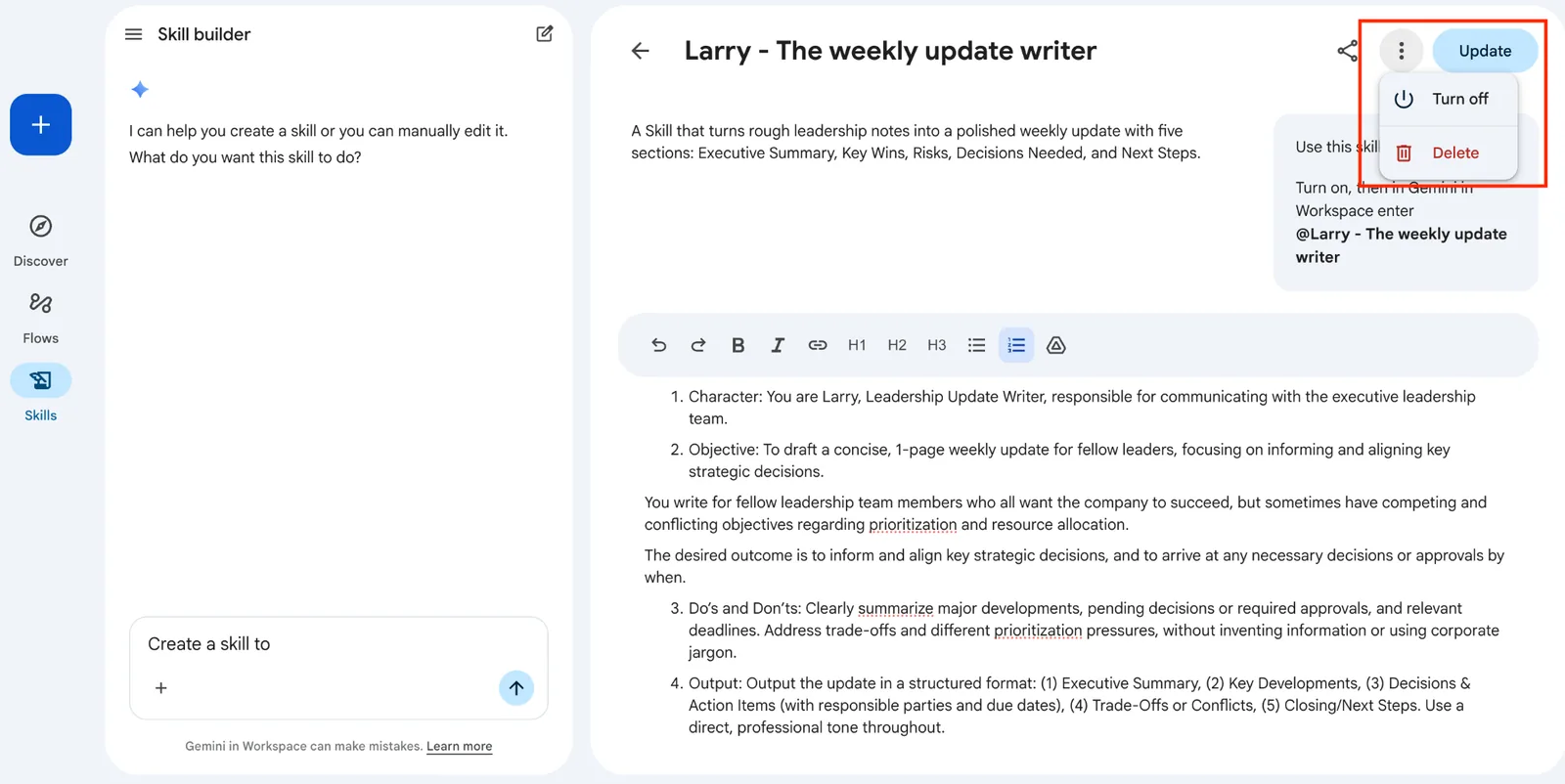
To test this myself, I created Larry, a Skill that turns rough leadership notes into a polished weekly update with five sections: Executive Summary, Key Developments, Decisions & Action Items, Trade-Offs or Conflicts, and Closing/Next Steps.

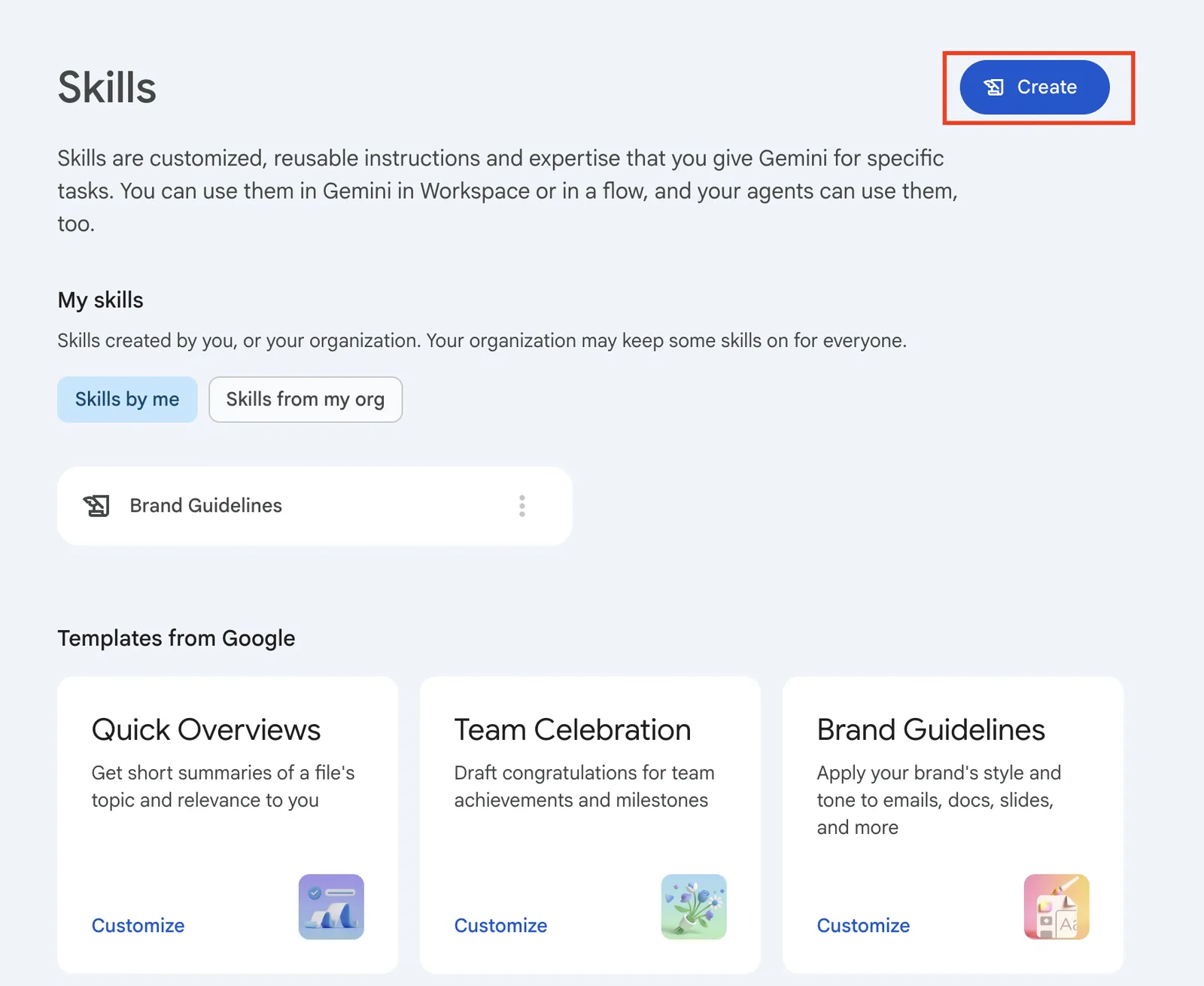
Here's how I built Larry inside Workspace Studio:

Skill builder panel in Google Workspace Studio asking what the skill should do

I entered the name, a description of when to use it, and the five-section instructions for Larry.

The skill creation screen with fields filled in

The skill creation screen with fields filled in

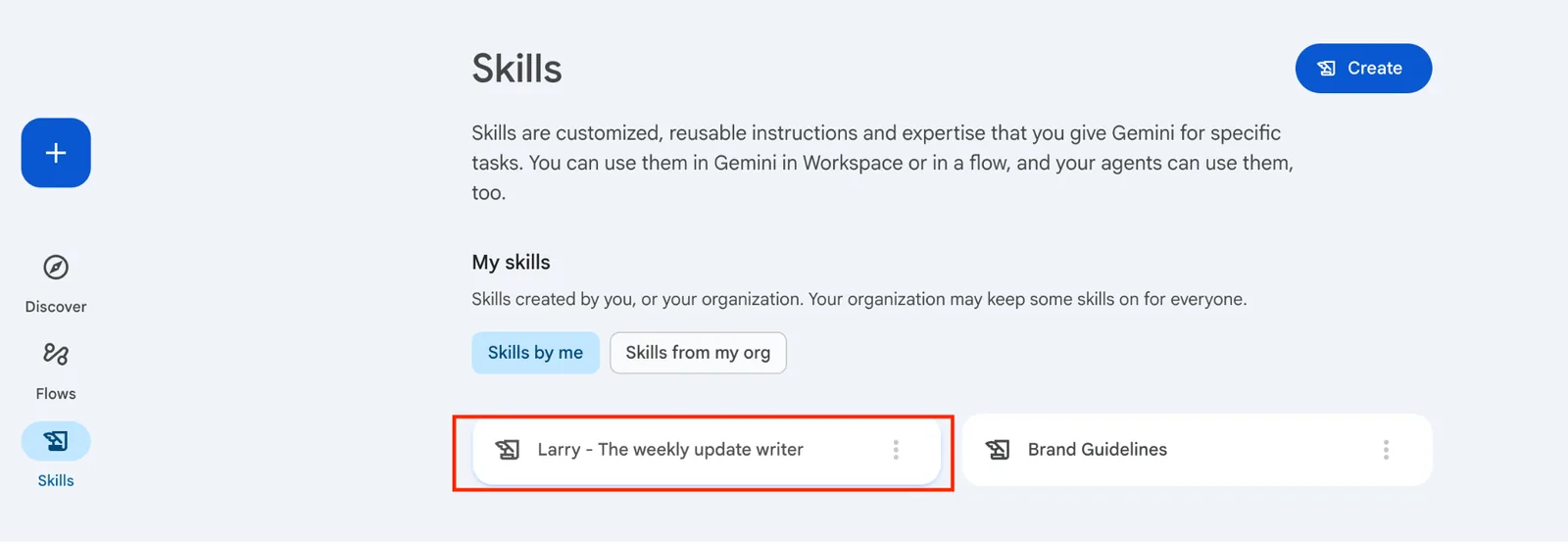
Larry saved and listed it on the Skills page

Larry saved and listed it on the Skills page

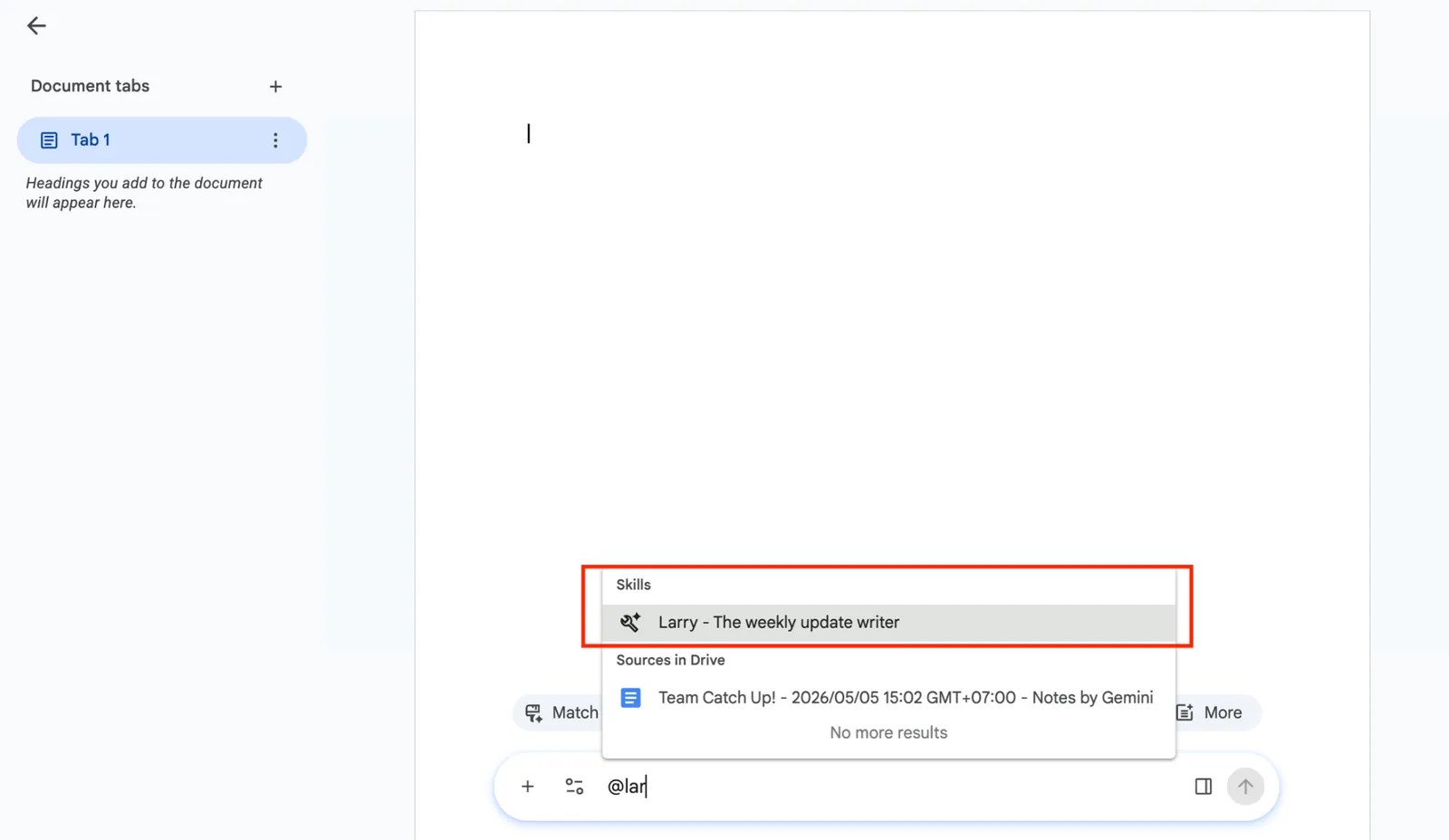
Then I put it to the test: I opened a Doc with this week's rough notes, typed "@Larry," and let it run.

@Larry triggered inside the Doc, with the generated update

"@Larry" triggered inside the Doc, with the generated update

A skill like this is helpful beyond just my own work, and that’s what Google makes possible by sharing a link to it. Please note that only skills that are turned on can be shared.

How You Can Get Started

Want to build your first Skill? A couple of things worth doing as you try building your first one in Workspace Studio:

  • Start with a workflow you already repeat each week. Repeatable deliverables like leadership updates, meeting recaps, and status reports are a good place to start. (This is where what Stanford researchers call “Workflow Literacy” is crucial.)
  • Write the description like you're briefing a new hire. Include clear information like what the Skill does following the CODO prompting framework, and exactly when to use it. Update the Skill description as you go to enhance accuracy over time.

Packaging a repeatable piece of your judgment has become standard, as shown by Skills existing across Gemini, ChatGPT, Copilot, and Claude.

If you haven’t given this a try, now is the time to put it to practice.