This step-by-step guide is exclusively available for Lead with AI PRO membership. 🚀 With Lead with AI PRO, you’ll get: ✅ Access to expert-crafted step-by-step guides ✅ AI-powered workflows to boost productivity ✅ Exclusive tools and resources for smarter work Upgrade to Lead with AI PRO and access all premium content instantly.
If you’ve never used Claude’s memory before, this setting lets Claude remember facts about you and your work between conversations, so you don’t have to re-explain your contexts and priorities every time you open a new chat.
When Claude first got memory in September 2025, it summarized your whole conversation into one editable document after the conversation ended, and that memory only existed inside Claude chat.
Flagship AI Newsletter
The AI Newsletter That Makes You Smarter, Not Busier
Join over 30,000 leaders and receive our insights on AI platforms, implementations, and organizational change management.
Here’s What Changed
Claude’s memory updates live. Claude now saves facts to memory as you type them, instead of waiting to summarize the chat history.
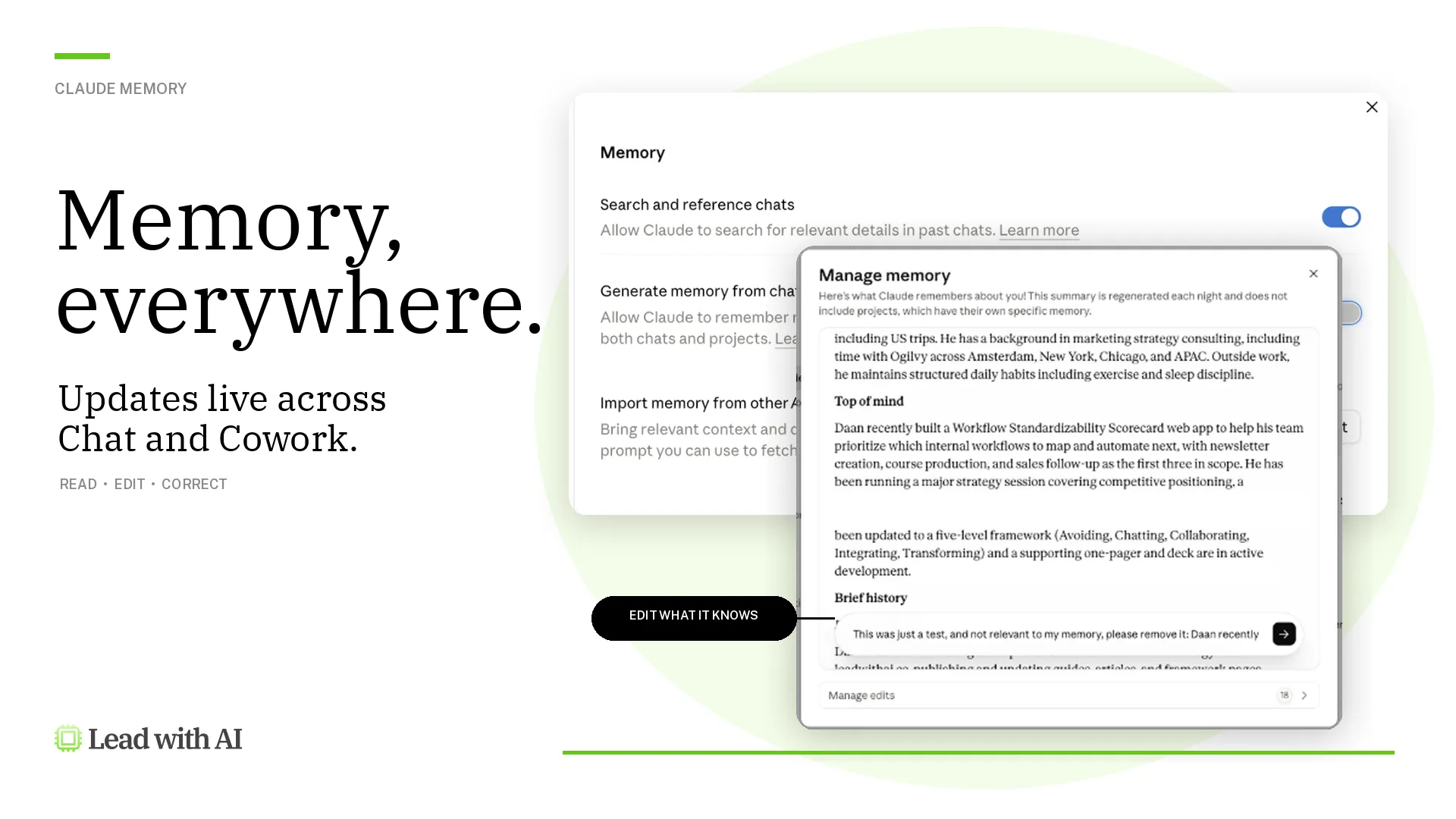
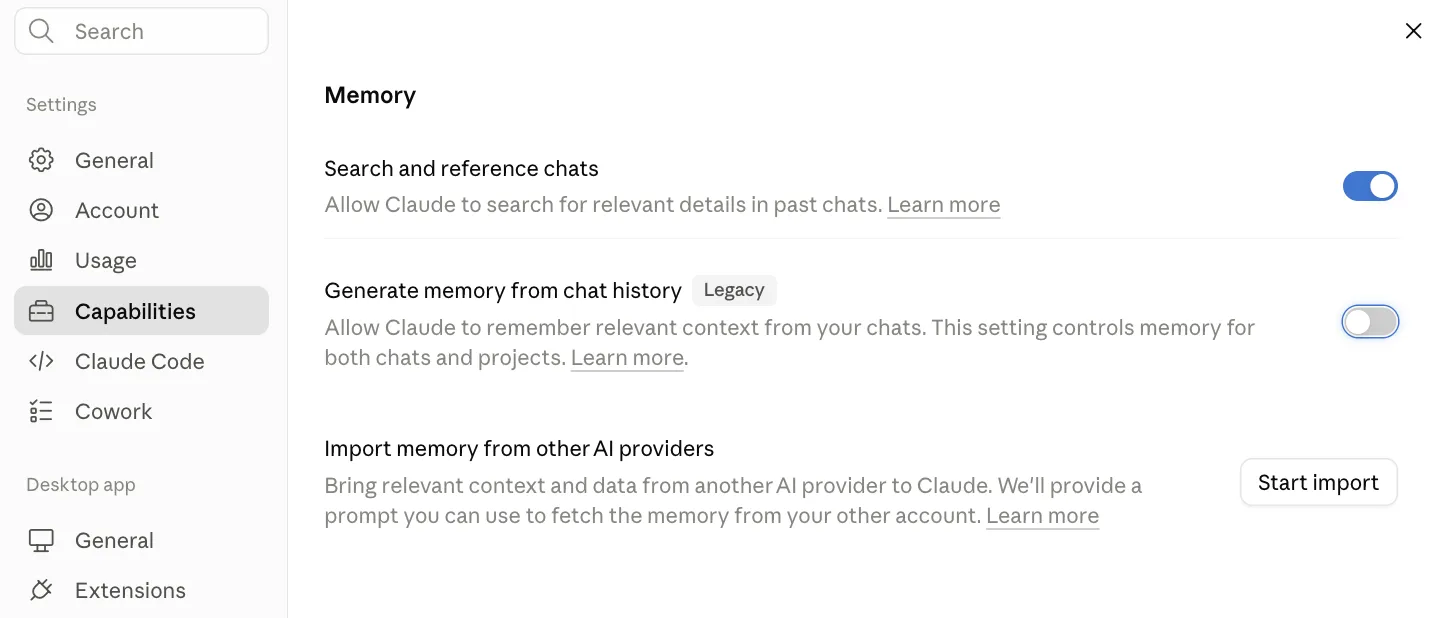
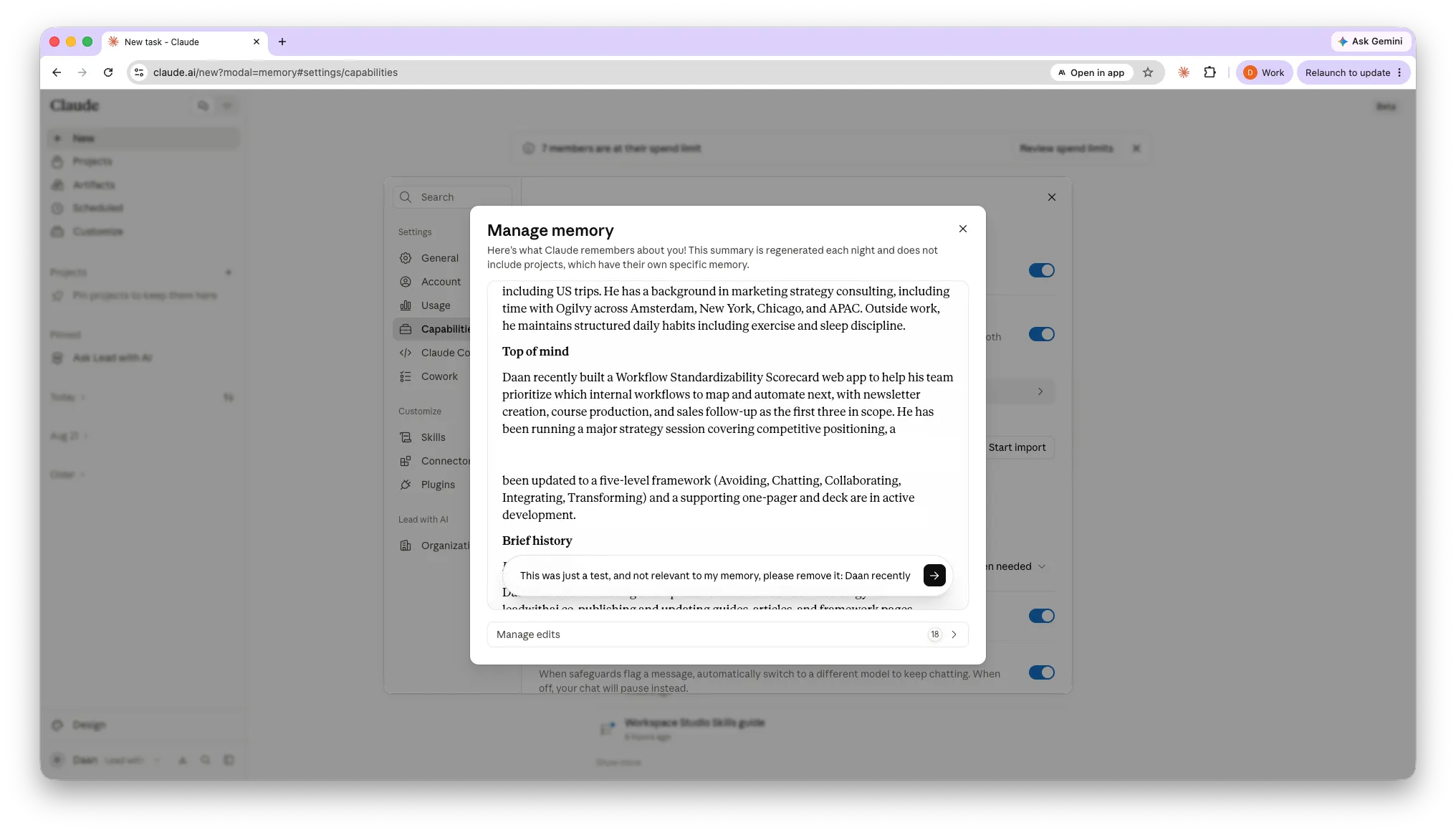
You can read and edit exactly what it knows. Memory now shows up as a list of short, separate files by topic (in Settings > Memory), rather than one long summary. Whenever you correct something, like your company’s old name, it’s fixed everywhere Claude uses memory.
For example, when I looked at my Claude memory, I noticed that something I only ran as a test was included. By clicking on “Edit” and prompting Claude to remove it, I was able to remove it.
Sensitive topics stay off by default. Health, race, ethnicity, religion, politics, and gender identity are excluded automatically, but you can opt in with a toggle.
Security information like government IDs or Social Security numbers stays out of memory regardless of your settings.