Presented by

Google just brought its Gemini desktop app to Windows after its launch on Mac in April 2026.
The app runs separately from the Gemini web page you might already use in your browser.


This step-by-step guide is exclusively available for Lead with AI PRO membership.
🚀 With Lead with AI PRO, you’ll get:
✅ Access to expert-crafted step-by-step guides
✅ AI-powered workflows to boost productivity
✅ Exclusive tools and resources for smarter work
Upgrade to Lead with AI PRO and access all premium content instantly.

Google just brought its Gemini desktop app to Windows after its launch on Mac in April 2026.
The app runs separately from the Gemini web page you might already use in your browser.

The app is free and available now for Windows 10 and 11, on both x64 and ARM64 machines.
Google says this is a first version. More native desktop features are still rolling out, so today's release is just a starting point.
You can download Gemini for Windows directly from Google.

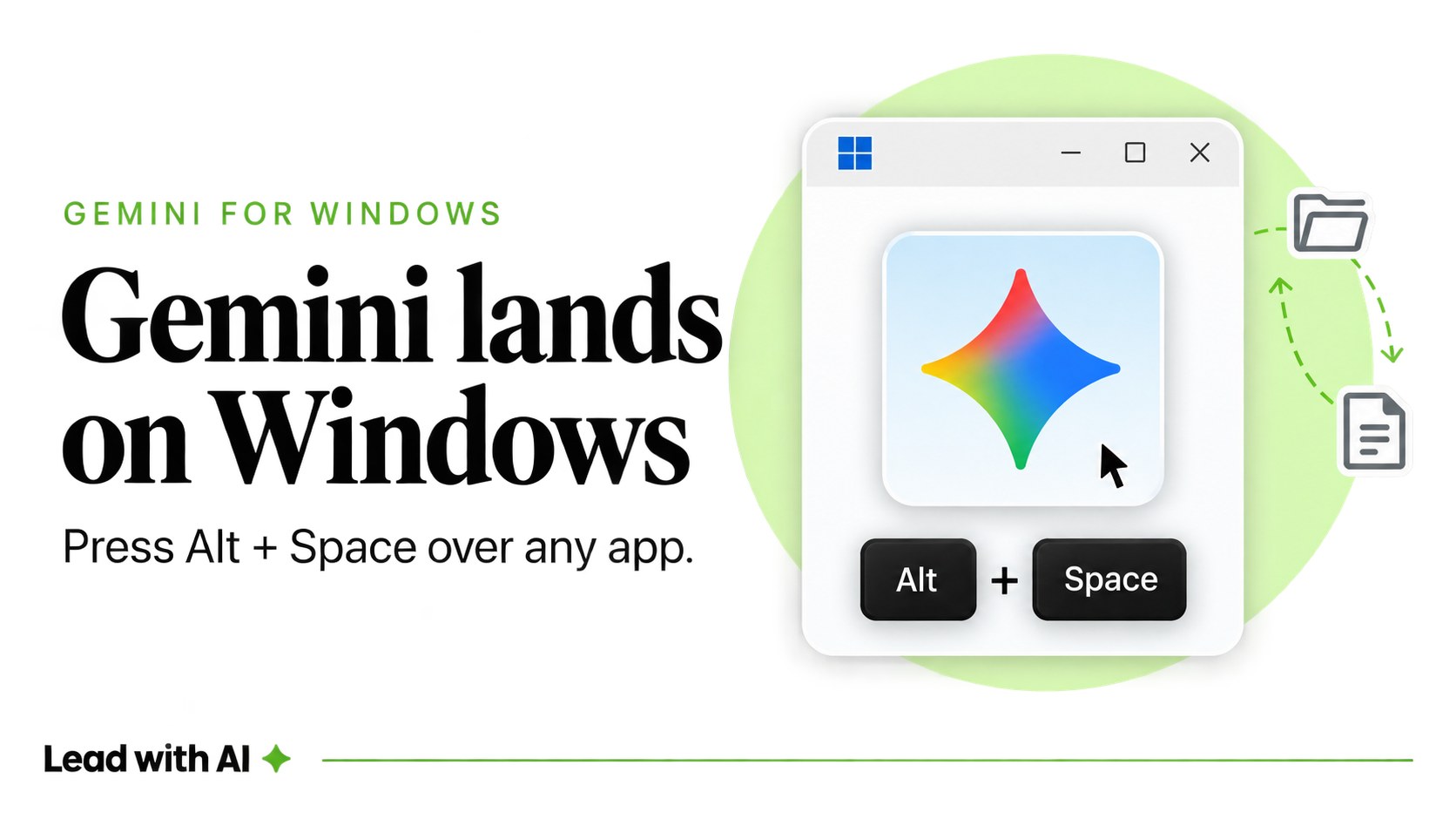
Install it, then press Alt+Space the next time you're mid-task and need a quick answer, a rewrite, or a fact check.
Any leader can install this tool on their own machine today and start using it for real work.
Timely insights from the Lead with AI team.