This step-by-step guide is exclusively available for Lead with AI PRO membership. 🚀 With Lead with AI PRO, you’ll get: ✅ Access to expert-crafted step-by-step guides ✅ AI-powered workflows to boost productivity ✅ Exclusive tools and resources for smarter work Upgrade to Lead with AI PRO and access all premium content instantly.
ChatGPT Images 2.5: Turn One Sentence Into a LinkedIn Event Graphic
ChatGPT Images 2.5 can now fix one line in a graphic without touching the rest. See what changed and how I built a LinkedIn event graphic in two minutes.
By
Daan van Rossum
Founder & CEO, Lead with AI
Presented by
ChatGPT Images 2.5 can now fix one line in a graphic without touching anything else. I put it to the test and built a LinkedIn event graphic in under two minutes.
OpenAI released ChatGPT Images 2.5 earlier this month. It's now live for everyone, including free users.
If you haven't used it before: type what you want in plain English, ChatGPT generates an image, and you can keep chatting to edit any details. Images 2.5 is the newest version of the model doing that work.
Here’s a quick briefing on the newest updates and the test I ran to try out this new model.
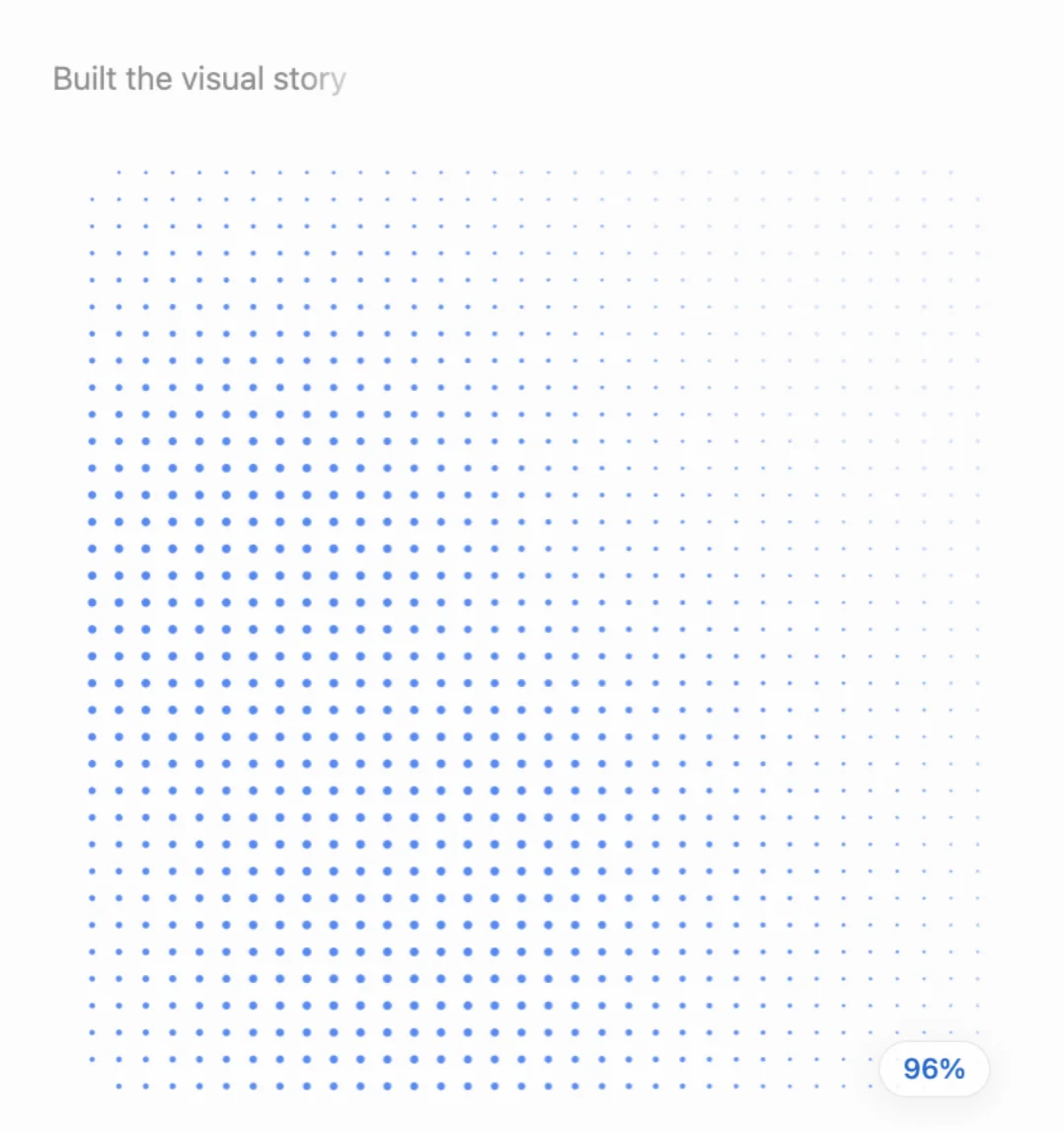
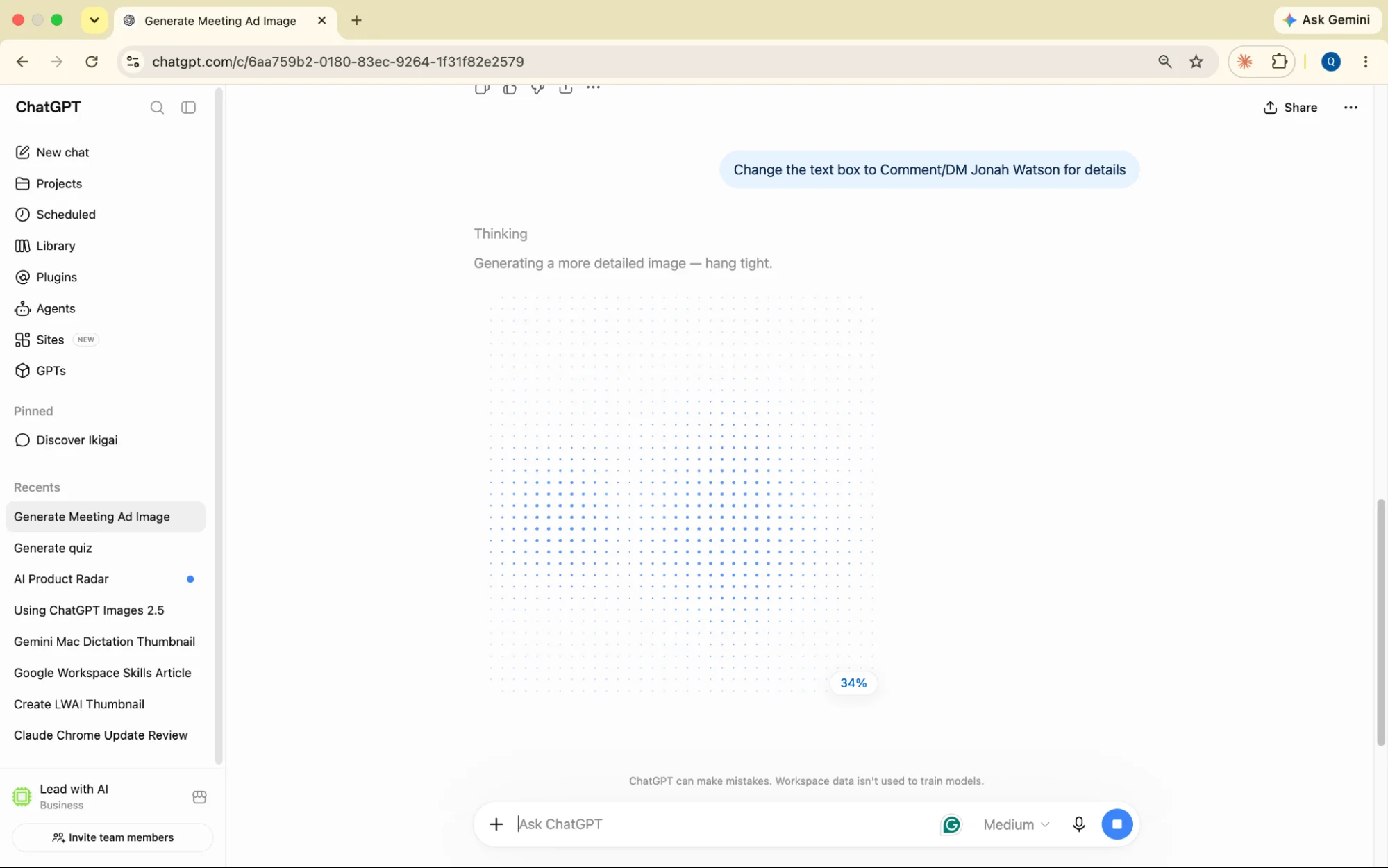
The characteristic blue-dot progress pattern ChatGPT Images 2.5 shows while it builds an image.
Flagship AI Newsletter
The AI Newsletter That Makes You Smarter, Not Busier
Join over 30,000 leaders and receive our insights on AI platforms, implementations, and organizational change management.
What Changed in ChatGPT Images 2.5
Faster, sharper output. OpenAI says generation latency dropped by up to 50% versus the prior version, with better lighting and texture. My own run below came in after only 47 seconds.
Point-and-fix editing. A new toolbar (erase, resize, markup, comment) lets you click the exact spot you want changed and describe the fix.
Cleaner text in images. Typography is ChatGPT's weak spot. This version handles dense, small text noticeably better. My experiment showed this clear improvement.
Sketch and templates. You can rough out a shape with your mouse and let the model finish it, and each content type (poster, thumbnail, product shot) now comes with its own guided template.
Who has this today? Every tier: free, Plus, Pro, and ChatGPT Work, on desktop, mobile, and web.
How I Built A LinkedIn Graphic With ChatGPT Images 2.5
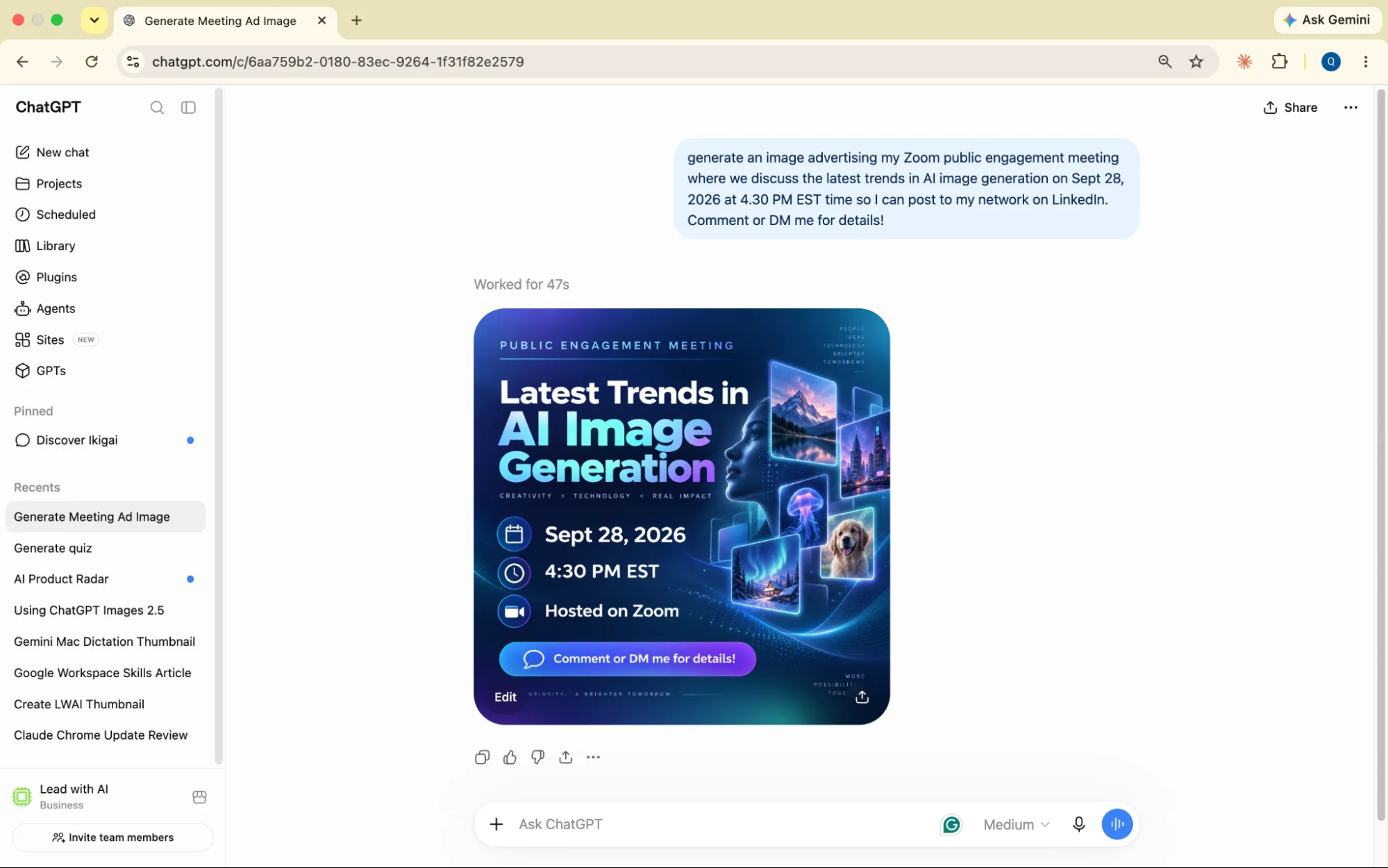
To see the point-and-fix editing and blue-dot behavior above in action, I ran my own test. I wanted a graphic for a Zoom session I'm hosting for my network on the latest trends in AI image generation, something I could post to LinkedIn.
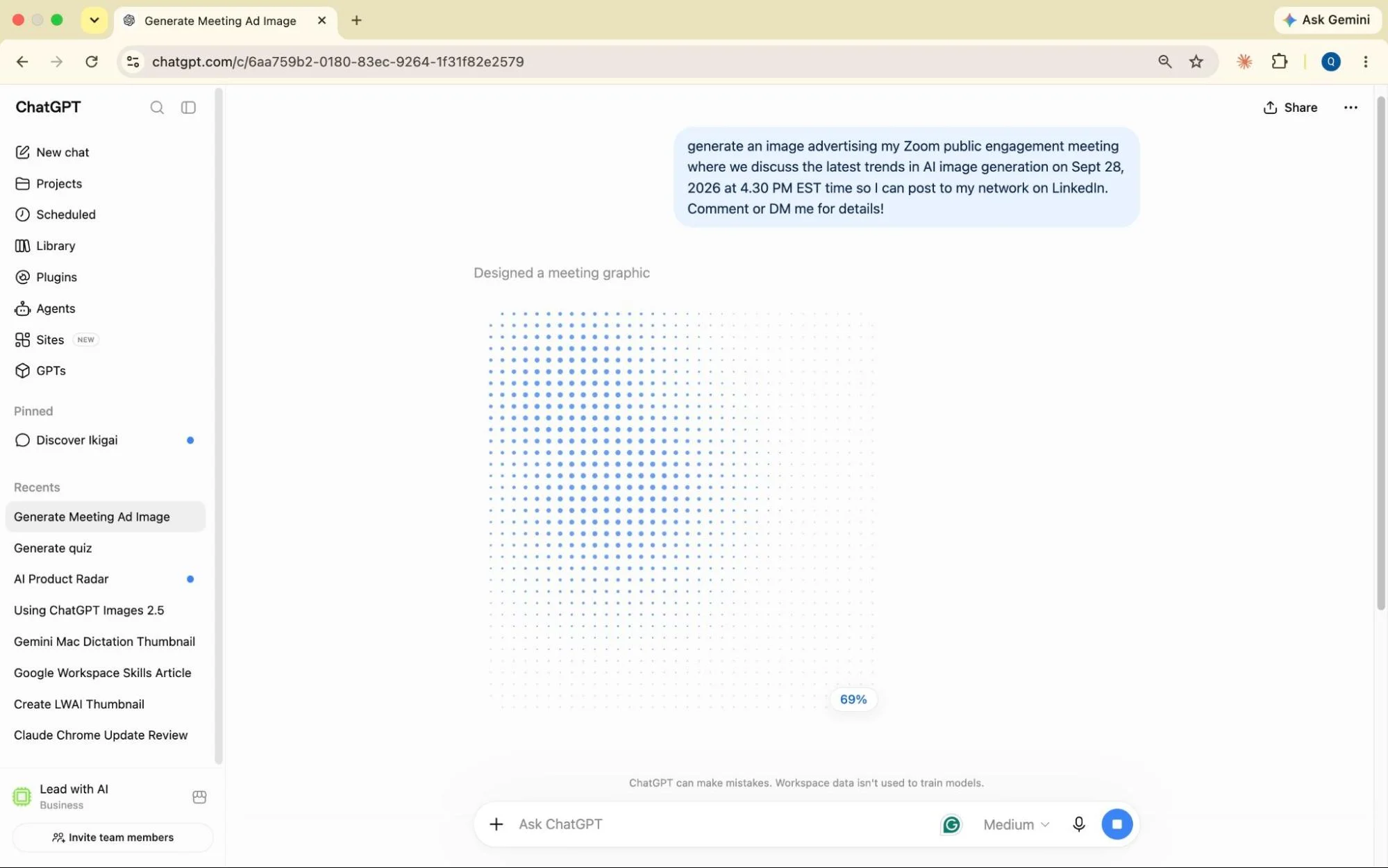
Step 1: Describe the event in one sentence.
The prompt and the blue-dot progress starting up.
Step 2: Let it build, then check the details.
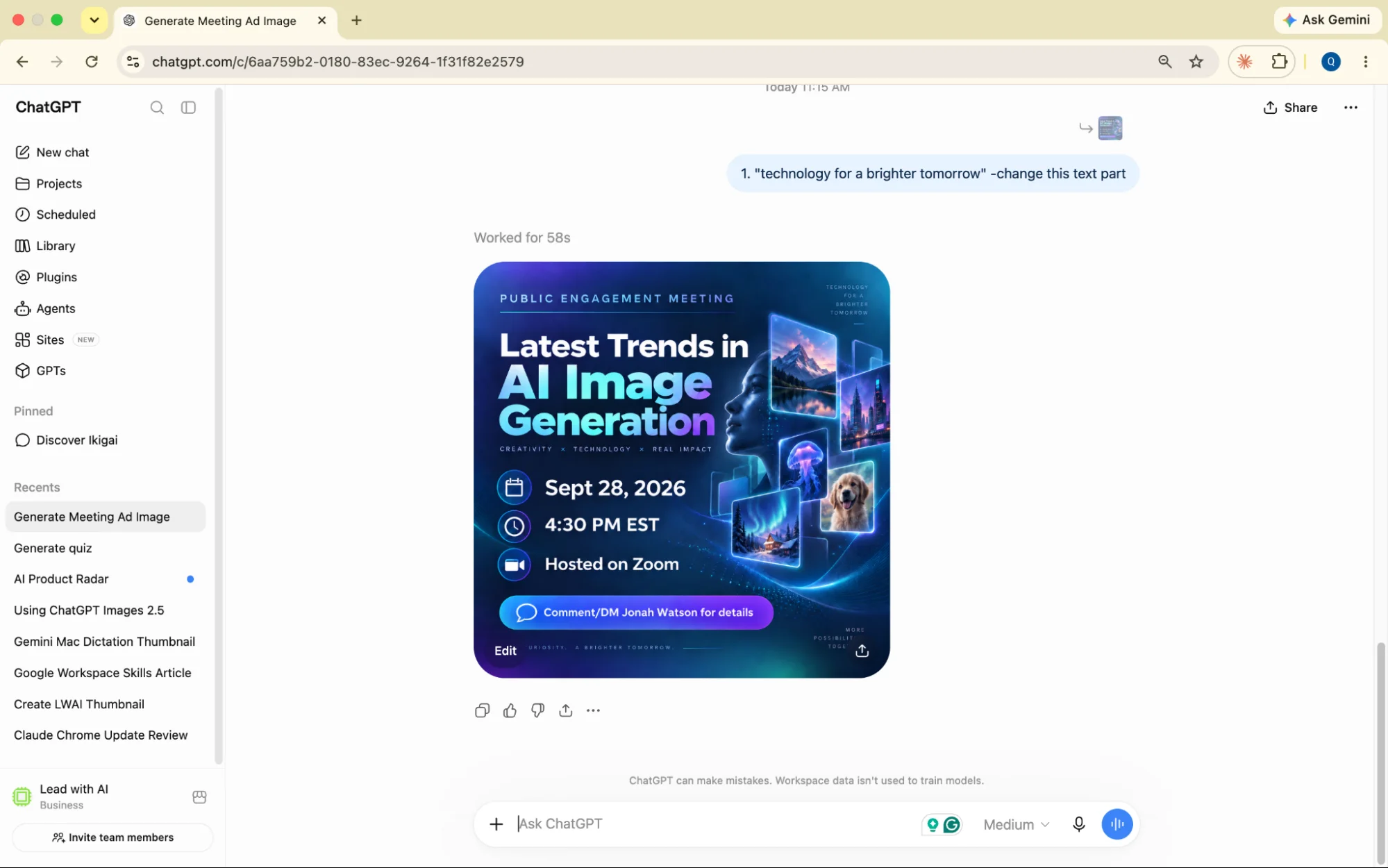
47 seconds later, GPT returned a graphic with the headline, date, time, “Hosted on Zoom,” and a call-to-action button.
The generated image is available for edits and download.
Step 3: Fix one line without starting over.
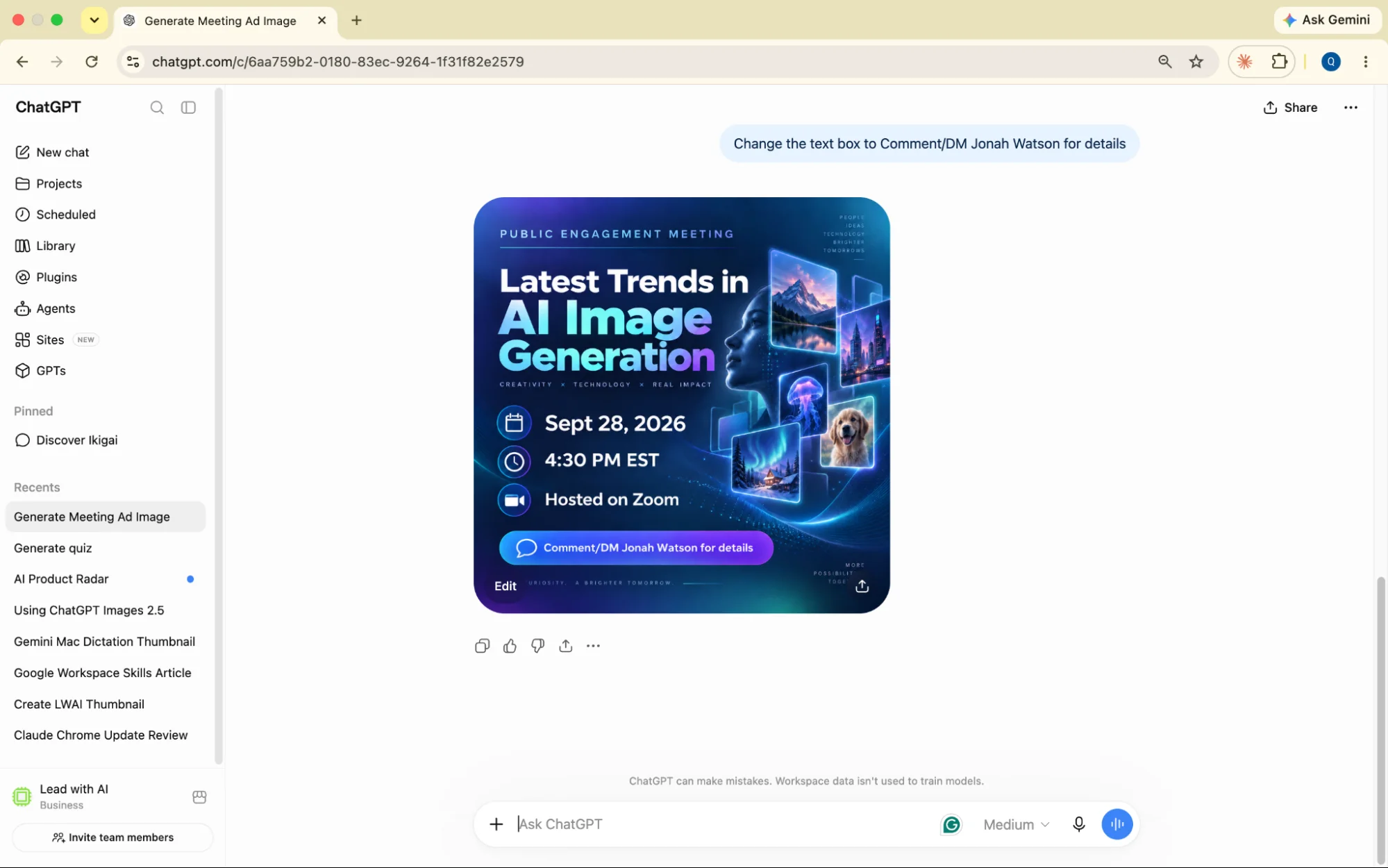
The call-to-action was generic, so I asked ChatGPT to "Change the text box to Comment/DM Jonah Watson for details."
You can share prompts to edit the existing image rather than starting over.
The graphic has been edited as requested and is ready to post.
Step 4: Comment on the exact spot you want changed.
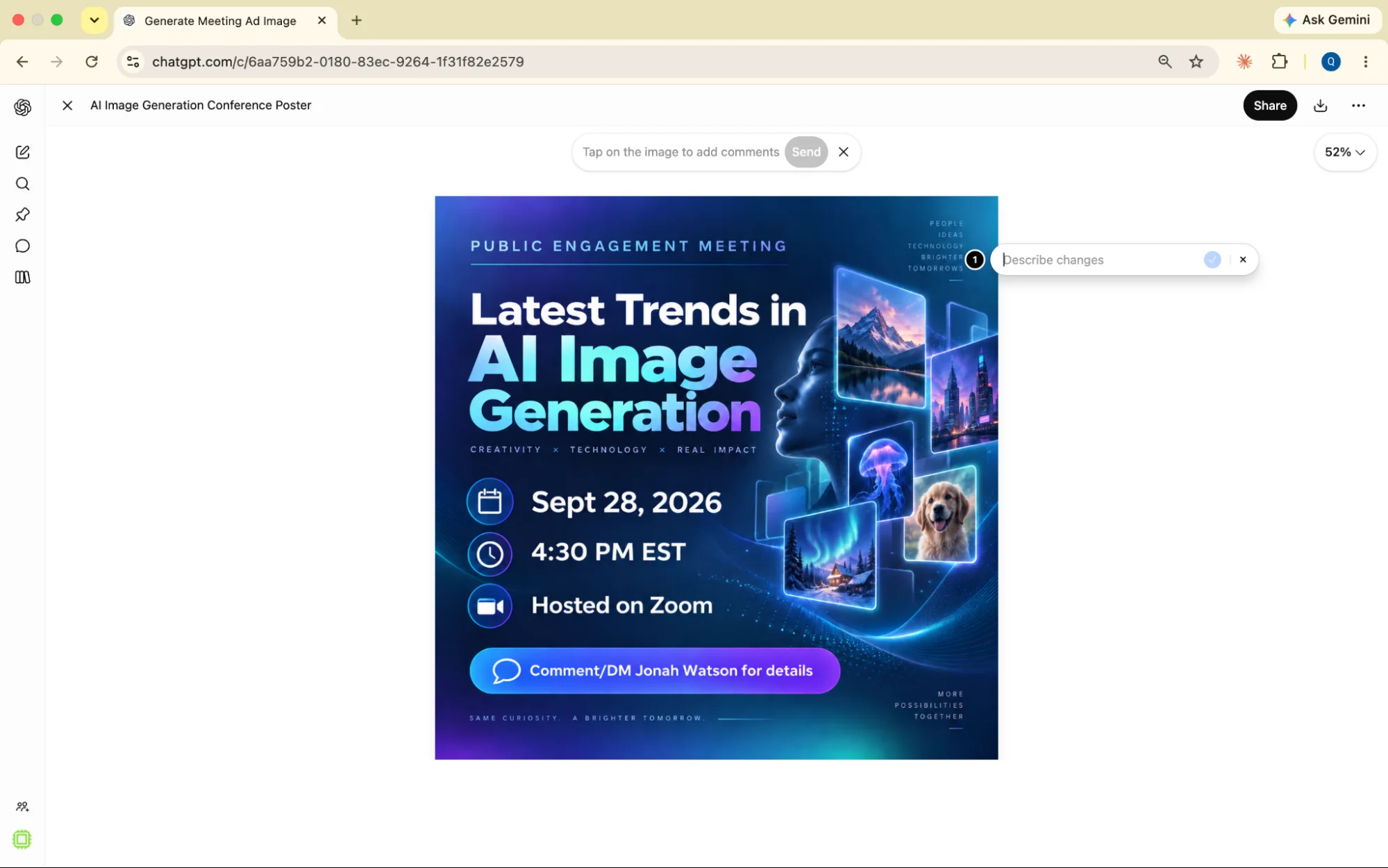
The toolbar’s comment tool skips the guesswork of describing a location in words. You pin the fix to the exact pixel, the same way you’d move your cursor to mark a place and drop a comment on a Google Doc.
Hit “Edit” in the bottom-left corner of the photo, click “+ Comment,” and drag the pin to the exact spot. I dropped mine on the tagline and typed: change this text to “technology for a brighter tomorrow.”
Here’s where you can drop your cursor to specify the place of edit.
The tagline has been swapped in at the exact spot, with the rest of the graphic preserved.
Flagship AI Newsletter
The AI Newsletter That Makes You Smarter, Not Busier
Join over 30,000 leaders and receive our insights on AI platforms, implementations, and organizational change management.
The bottom line
The real upgrade is the advanced editing tools. Fixing one detail without redoing the whole graphic saves valuable time and effort.
Text is better, but not perfect. Proofread before you post. My early example showed typos like “tomorows,” so always double-check before you publish.
Editing is easier than ever with this newest model. Open ChatGPT, describe your next event in one sentence, and see what image comes back in under a minute.