
October 10, 2026

OpenAI's New Data Agent Builds Your Dashboards With Context from the Warehouse

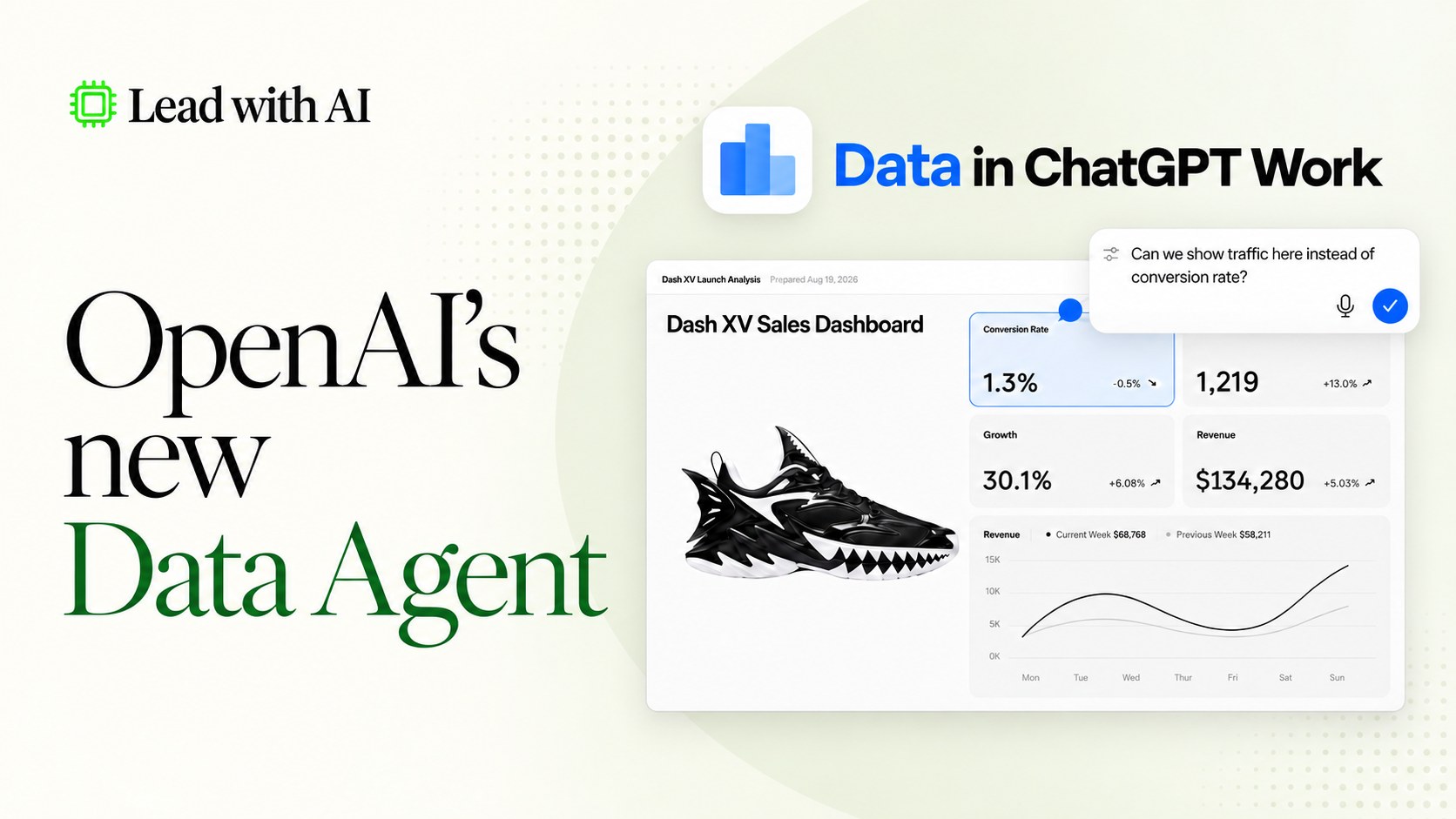
OpenAI's new Data Agent in ChatGPT Work connects to your data warehouse and builds interactive dashboards using your company's own definitions.
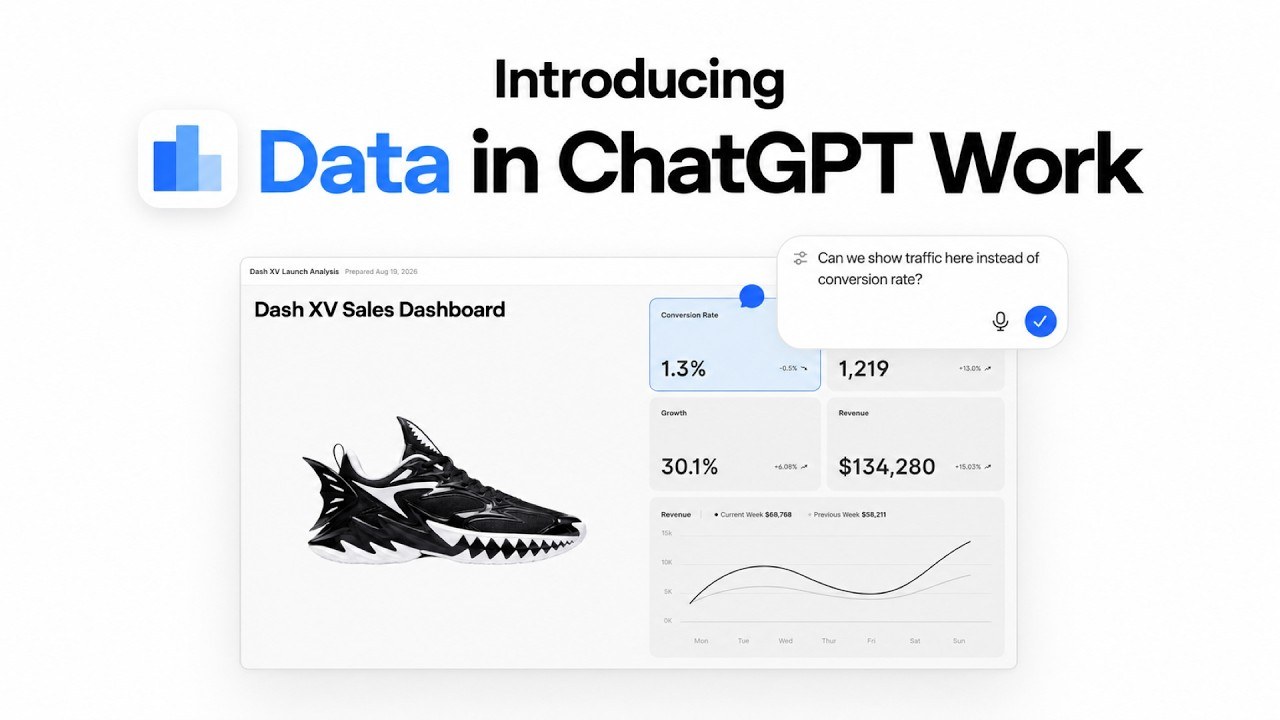
OpenAI's new Data Agent: Data in ChatGPT Work dashboard
Jasmine Tran
By
Jasmine Tran
Analyst, Lead with AI

Presented by

OpenAI introduced a new Data Agent in ChatGPT Work last week.

If you haven't used ChatGPT Business before, it's the version companies run for their employees, personalized with their own files and rules. It could already answer general business questions.

What it couldn't do was ground that answer in your company’s real numbers, such as sales figures in Snowflake, tickets in Zendesk, and product metrics in Redshift.

Closing that gap is the premise of this Data agent.

It’s essentially the same concept as our five-step walkthrough for building a data visualization generator with Claude Artifacts.

However, instead of generating dashboards from minimal context, it can now access a company's entire warehouse to offer optimal solutions.

Flagship AI Newsletter
The AI Newsletter That Makes You Smarter, Not Busier
Join over 30,000 leaders and receive our insights on AI platforms, implementations, and organizational change management.
FlexOS Course - AI Content Accelerator - Testimonial Badge

The Data Agent: What Changed

It connects to companies’ data warehouses. This includes Amazon Redshift, Google BigQuery, Snowflake, Databricks, MongoDB, and ClickHouse. It can also pull from files in Google Drive and SharePoint.

It uses your company's own definitions. If your finance team has a specific formula for "active customer" or "monthly revenue," the agent pulls that from tools like dbt, Databricks Genie Ontology, or your existing BI dashboards. Its answers match your team’s terminology.

It returns interactive, editable dashboards. The output is immediately useful for real work. It can generate or update dashboards inside business intelligence tools you run like Tableau, Power BI, Sigma, Omni, or Oracle BI.

It can act on what it finds. Beyond the analysis, it can recommend next steps, flag who needs to be looped in, and push the findings to Slack or email.

Introducing Data in ChatGPT Work: a dashboard built from a prompt

Who Has the Data Agent Today?

Only ChatGPT Work customers, and through admin access. This is an early version with new features coming up.

An admin installs the Data Agent from the Plugins directory in Workspace settings, then separately connects and configures each data source.

This feature is most valuable for AI-native organizations, where data processes are already in place and ready for AI plug-ins.

What You'd See Once the Data Agent Is Connected

Here's what OpenAI shows happening once a company does have it connected.

1. An admin connects the source. Someone in IT turns on the Data Agent, then links it to a warehouse the company already has (In OpenAI's demo, it’s Amazon Redshift).

2. An employee inserts a prompt. OpenAI's example: "Create a dashboard tracking adoption of our product, from installation and first use to ongoing activity and retention. Help us find where customers get stuck."

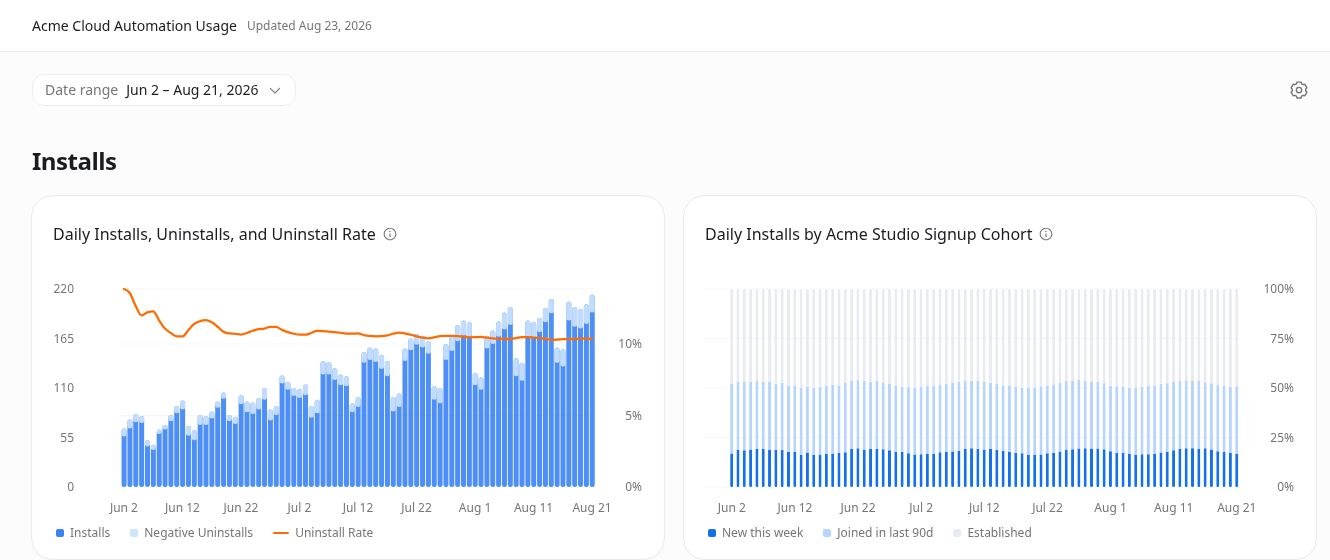
3. The agent investigates and builds the dashboard. In the walkthrough, it returned daily installs, the uninstall rate, and adoption broken out by signup cohort.

Dashboard built by the Data Agent: daily installs, uninstalls and uninstall rate, plus daily installs by signup cohort
Source: OpenAI

4. You can question the answer. If a follow-up question digs into a specific finding, the agent shows the evidence behind it.

5. The dashboard is live. The team can edit it, refresh it as new data comes in, and share it, either internally with ChatGPT or a BI tool the team often deploys.

OpenAI suggests several prompts. One notable prompt asks it to diagnose why a specific metric moved ("why did weekly active users change last week?").

The "show the evidence" step is recommended to ensure AI-built dashboards are trustworthy enough for business use.

The Best Next Steps For You

Agentic AI for business is moving from "answer my question" to "investigate this and hand me something I can act on." This shift is coming before companies have proper warehouses to connect it to.

Here are things to do in preparation for releases like this Data Agent and more to come:

  • Upload one spreadsheet you already track: From course sales to website traffic, share whatever real numbers you have into Claude or ChatGPT for instructions on how to prepare them for future agentic use.
  • Write down what your key numbers really mean: what counts as an active customer, how you calculate churn, kept in one shared doc your team can point to. These tools are only as good as the definitions someone writes down.