June 2, 2026

Claude gets smarter and more honest with Opus 4.8

Plus: Microsoft 365 Copilot gets a new design.
Evelyn Le
By
Evelyn Le
Editor, Lead with AI

Claude gets smarter, more honest, and lets you control how hard it works

Presented by

Anthropic released Claude Opus 4.8 this week, an upgrade to its most capable model that improves reliability across coding, research, legal, and financial workflows.

Here are the key updates:

  • Better performance on complex professional work: Opus 4.8 improves on Opus 4.7 across benchmarks for coding, agentic skills, reasoning, and practical knowledge work.
  • Effort control: You can now tell Claude how much thinking to put into a response. Higher effort means deeper reasoning; lower effort means faster replies that use fewer of your monthly credits.
  • Improved honesty and judgment: Opus 4.8 is significantly less likely to gloss over mistakes or make unsupported claims about its own work. In agentic tasks like code review or document analysis, it flags uncertainties rather than pushing through with false confidence.
  • Dynamic workflows in Claude Code: Claude can now plan a large task, spin up hundreds of parallel sub-agents to execute it, and verify the outputs before reporting back.
  • Mid-task instruction updates: Developers can now update Claude's instructions partway through a long task without restarting the session. For teams building internal AI tools, this reduces friction in multi-step workflows that require context to shift as the task progresses.

Opus 4.8 is available now across all Claude plans at the same price as Opus 4.7. Effort control is available on all plans. Dynamic workflows in Claude Code are available on Enterprise, Team, and Max plans.

If your team uses Claude for research, drafting, analysis, or any workflow where Claude runs tasks on your behalf, this release gives you more control over quality, speed, and cost in a single session. It is also a sign that AI reliability is improving in ways that matter for real work.

​Explore Opus 4.8

Read more AI news after this:

Flagship AI Newsletter
The AI Newsletter That Makes You Smarter, Not Busier
Join over 30,000 leaders and receive our insights on AI platforms, implementations, and organizational change management.
FlexOS Course - AI Content Accelerator - Testimonial Badge

AI Leader Advanced

The AI Course Senior Leaders Call: “A Truly Life-Changing Course!”

Last call to join leaders from PepsiCo, H&M, ServiceNow, Max Matthiessen and build 6 AI assistants tailored to your role in 30 minutes a day, without writing a line of code.

This course is built for senior leaders who don’t have time to figure out AI on their own, but want a practical way to use it in their work, decisions, and teams.

“A truly life changing course!” — Melissa, Global HR Tech Leader @ H&M

Your AI Team Updates

ChatGPT drops Canvas from GPT-5.5 and retires older models

OpenAI updated GPT-5.5 Instant to produce cleaner, more natural responses with fewer long-winded or bullet-heavy answers. At the same time, Canvas is being retired from GPT-5.5 Instant and Thinking, with writing and coding now handled directly in chat through writing blocks and code blocks.

OpenAI also announced that GPT-4.5 will retire from ChatGPT on June 27, 2026, and OpenAI o3 on August 26, 2026.

​Read the update from OpenAI.​

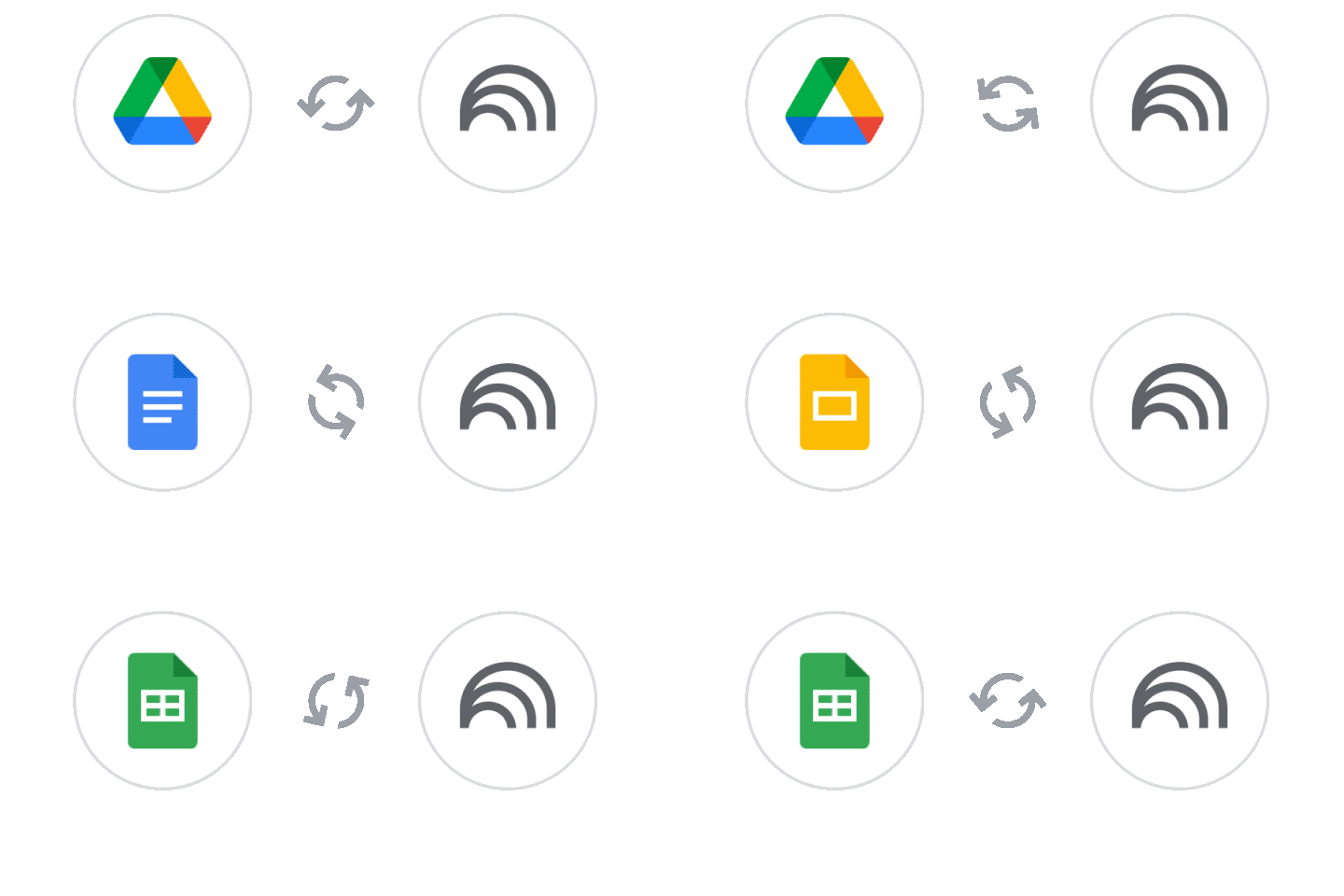
NotebookLM now keeps your Google Drive sources automatically up to date

If you use NotebookLM with Google Drive files, you no longer have to manually re-sync sources when the underlying Docs, Sheets, or Slides files change. The notebook now updates automatically as your files evolve, so your research and analysis always reflects the latest version. This is a useful quality-of-life improvement for teams who use NotebookLM to analyze reports, meeting notes, or living documents that get updated regularly.

Available now for all Google Workspace customers and personal Google accounts with NotebookLM access.

​Learn more about the update​

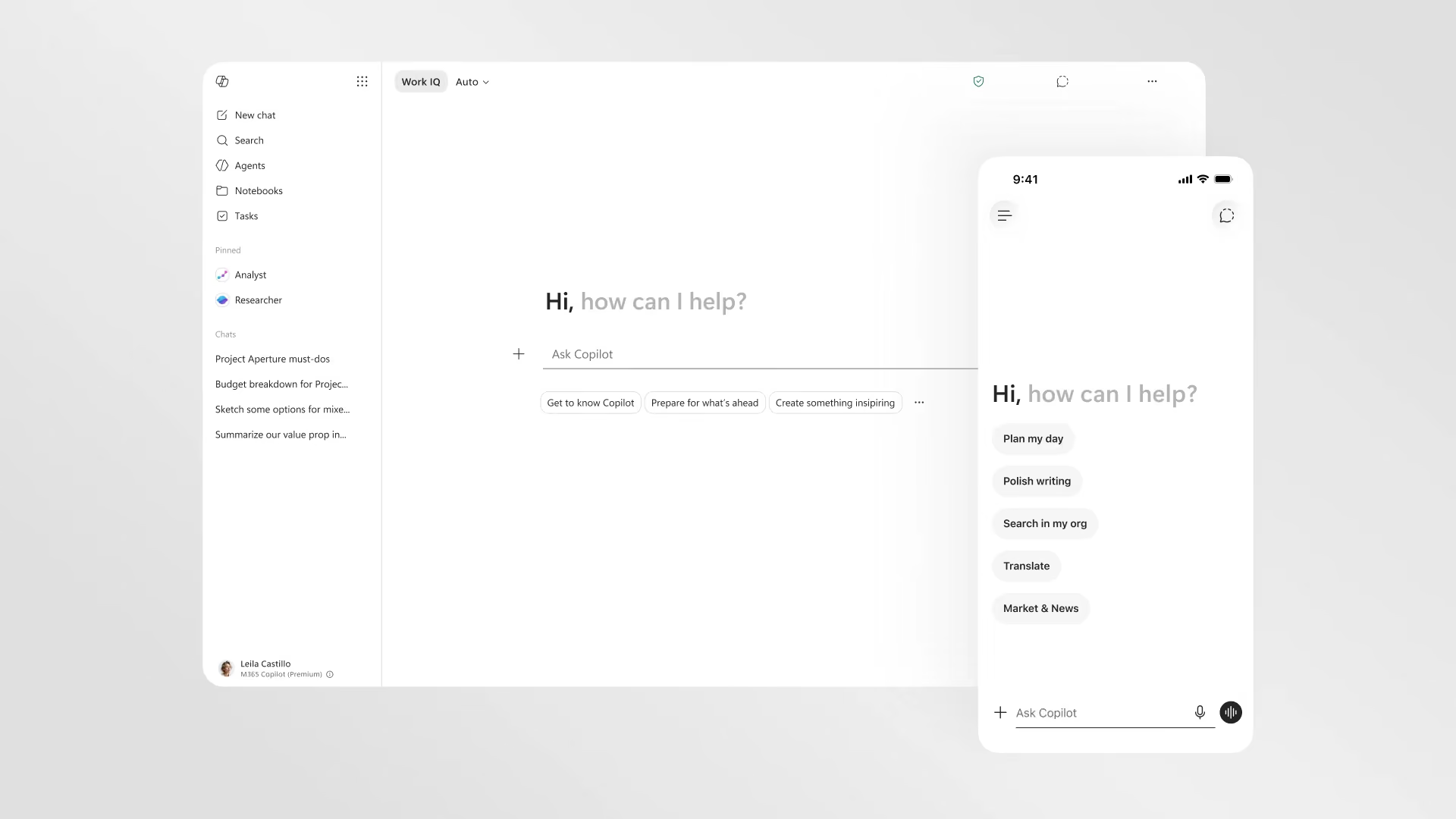
Microsoft 365 Copilot gets a faster, cleaner redesign across Word, Excel, PowerPoint, and Outlook

The redesigned Copilot

Microsoft introduced a redesigned Microsoft 365 Copilot experience, focused on making Copilot a task-aware workspace. The updated app is faster, cleaner, and more connected across Word, Excel, PowerPoint, Outlook, and other Microsoft 365 apps, with a more consistent entry point and more contextual support while people work. Microsoft says the Copilot app now loads over 50% faster, with complex chat response times improved by 10%.

​Explore the redesigned Copilot app