
If you already use ChatGPT, it can also be your first drafter and editor for longer documents.
ChatGPT drafts in writing blocks: editable documents inside the chat that you can revise, open full screen and save to your Library. You brief it once, then improve the draft with targeted edits instead of starting over.
How writing blocks work
When you ask for a document, ChatGPT puts the draft in a writing block. There are four things you can do with it.
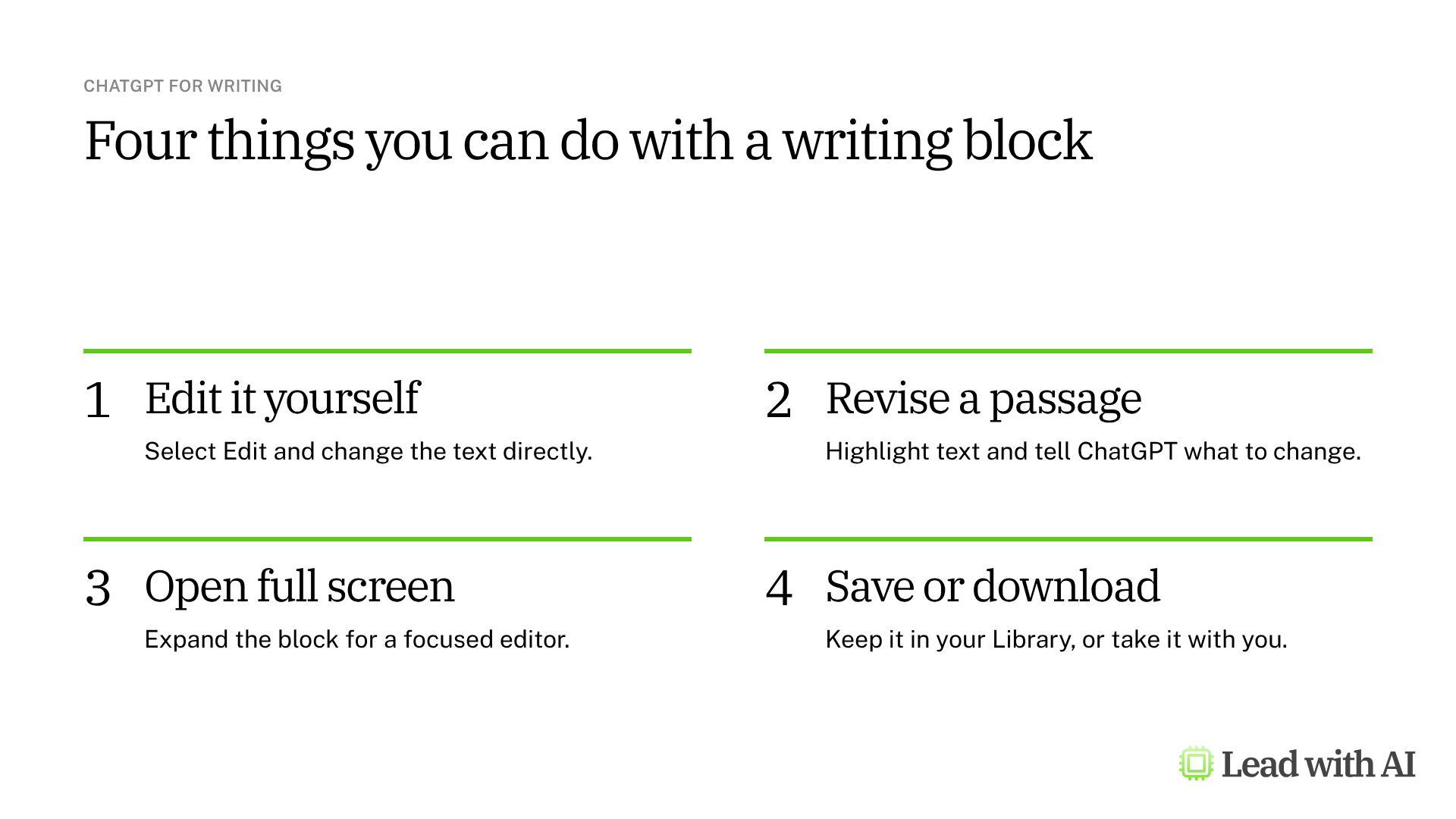
- Edit it yourself. Select Edit on the block and change the text directly.
- Revise a passage. Highlight the text and tell ChatGPT what to change, or ask it to revise the whole draft.
- Open full screen. Expand the block for a focused editor with room for long documents.
- Save or download. In full screen, save the draft to your Library to come back to it later, or download it.
Your edits save with the conversation, so ChatGPT works from your latest version when you ask for the next change. You can also undo or redo an edit ChatGPT made.
Three ways to start
- From a blank prompt. Ask ChatGPT to draft something from scratch.
- From rough notes. Paste bullets or notes and ask for a memo, article or brief.
- From a document. Upload a report and ask ChatGPT to rewrite, summarize or restructure it for a different audience.
However you start, the workflow is the same: give a clear brief, review the first draft, then improve it with targeted revisions.
What your plan includes
Writing blocks work on every ChatGPT plan, including Free. The exact actions you see depend on your plan, your device and your workspace settings.
The biggest difference between plans is the model you get. Free gives you standard models and limited access to the most capable ones. Plus costs $20 per month and gives you stronger models with higher limits, which shows in longer, more demanding documents.
For teams, ChatGPT Business costs $25 per user per month, or $20 billed annually.
When ChatGPT earns its place for writing
There are four situations where it helps most:
- You are starting from rough notes and need a clean first draft fast.
- One message needs several versions, such as one for the board and one for your team.
- A document needs a new structure, such as turning a report into a decision brief.
- Your material is not in one suite, so you bring it to ChatGPT yourself.
Want to practice on a real document? These how-to articles give you writing prompts to run in ChatGPT:
- Draft a personal introduction that positions you strategically: three one-click prompts for a conference introduction, an internal meeting and an authority-focused bio.
- Build SOPs for any workflow: a prompt that interviews you about a process, then writes a standard operating procedure your team can follow.
- Turn your working style into a reusable operating manual: a one-page Work-With-Me guide that tells colleagues, and your AI tools, how you work.
If your documents live in Microsoft 365 and you want the draft grounded in them, read our guide to Copilot in Word. We compare all four main tools in our guide to the best AI writing tools for senior leaders.
How to draft a document with ChatGPT, step by step
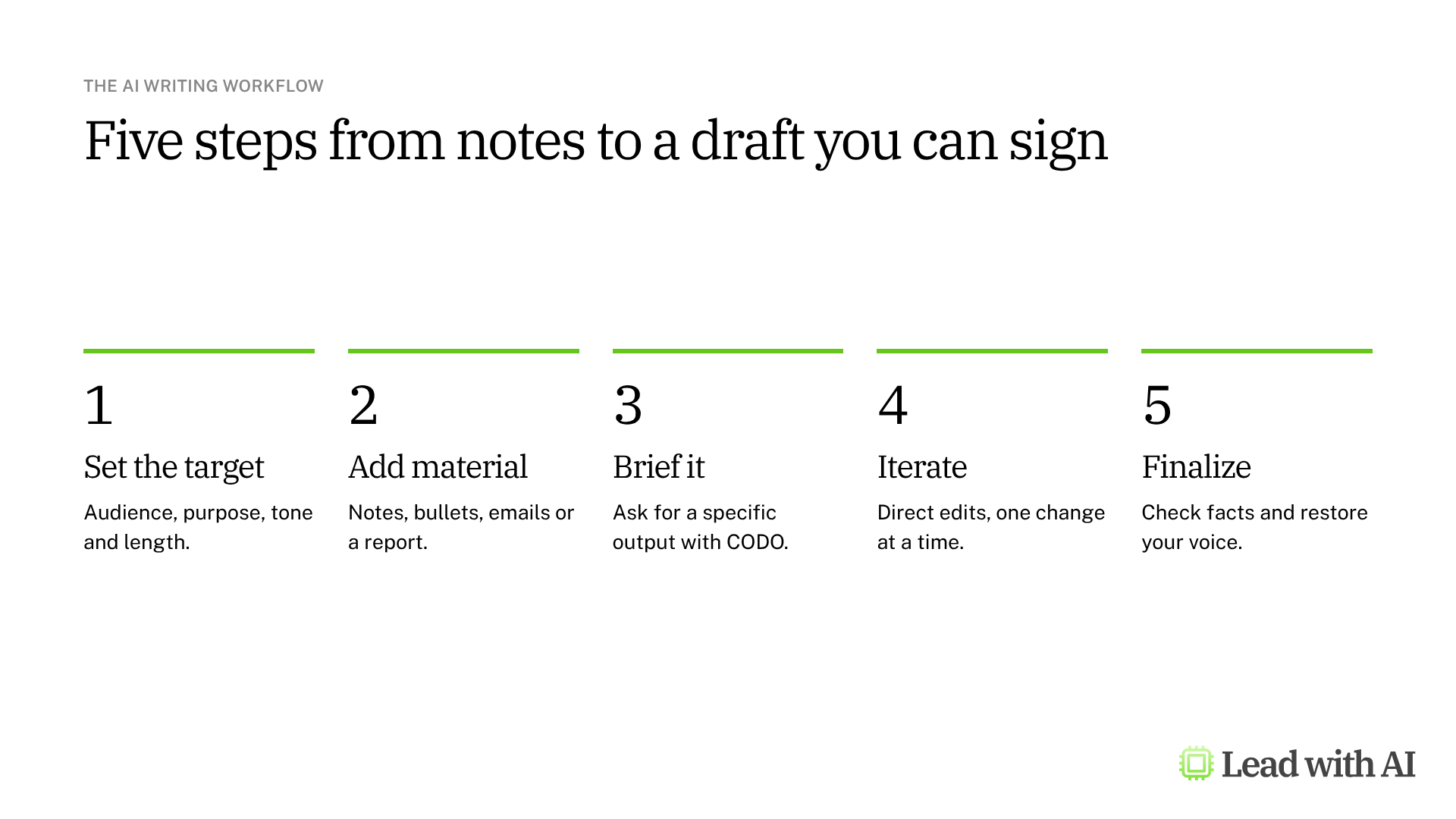
Step 1: Set the target in one sentence. Name the audience, the purpose, the tone and the length.
Step 2: Give ChatGPT the raw material. Paste your notes or upload the report. The draft can only be as good as what you give it.
Step 3: Ask for a specific output with CODO. We recommend structuring every request with our CODO framework. Tell ChatGPT who to be (Character), what you need (Objective), what to do and avoid (Do and Don't), and what to hand back (Output). The prompt below is a good start. If ChatGPT already knows how you write, ask it to make the draft sound like you.
Step 4: Revise at three levels. Do not rewrite your prompt. Work on the draft instead.

- The whole draft. Highlight everything and ask: “Make this more concrete for a senior leadership audience.”
- One passage. Highlight a paragraph and ask: “Shorten this by 30 percent and make the opening more decisive.”
- The structure. Ask: “Turn this into a one-page decision brief with options, risks and a clear recommendation.” The structure changes, but the content you already approved stays.
Step 5: Finalize like a leader. Check every fact against your source, restore your voice where the draft sounds generic, and approve only what you will stand behind. Then save the draft to your Library or download it.
A CODO prompt to start with
Upload your source document first, then paste this into ChatGPT.
Character: You are a chief of staff who turns long reports into crisp one-page briefs for a senior leadership team.

Objective: Turn the attached report into a one-page brief that helps my leadership team decide [decision].

Do:
- Use only the attached report as your source.
- Open with the decision we need to make and your recommended option.
- Pull out the three findings that matter most for this decision, and explain what each means for us in one or two sentences.
- End with risks and next steps.
- Put the brief in a writing block I can edit.

Don't:
- Don't add facts. If anything is missing, flag it as a question.
- Don't use filler phrases or generic AI language.
- Don't go beyond one page.

Output:
A one-page brief with these headings: Decision, Recommendation, Key findings, What it means for us, Risks, Next steps. Use plain language and short paragraphs.
What will your IT and legal teams ask?
- Is our data used to train OpenAI's models? Not on ChatGPT Business, Enterprise or Edu, by default. On Free, Plus and Pro, it is used unless you turn it off under Settings, Data Controls, “Improve the model for everyone.”
- Should people use personal accounts for work documents? Only if they turn off model training first. A company workspace on Business or Enterprise is safer for confidential material.
- Can a writing block send email? For supported email drafts, ChatGPT can send directly when that option is available. Review every email draft before it leaves, and read our guide to ChatGPT for email before you connect an inbox.
ChatGPT or another AI tool?
ChatGPT is the most flexible place to draft when you bring your own material. It works the same whatever office suite your company runs.
If you want drafts grounded in your Microsoft 365 files, Copilot in Word does that. If you want edits as tracked changes inside Word, consider Claude for Word. We compare all four in our guide to the best AI writing tools for senior leaders.
Key takeaways
- Set the target in one sentence before you ask for anything.
- Give ChatGPT your raw material, and tell it not to add facts.
- Revise at three levels: the whole draft, one passage, then the structure.
- Open long drafts full screen, and save the ones you need to your Library.
- Turn off model training on personal accounts before you paste work documents.